
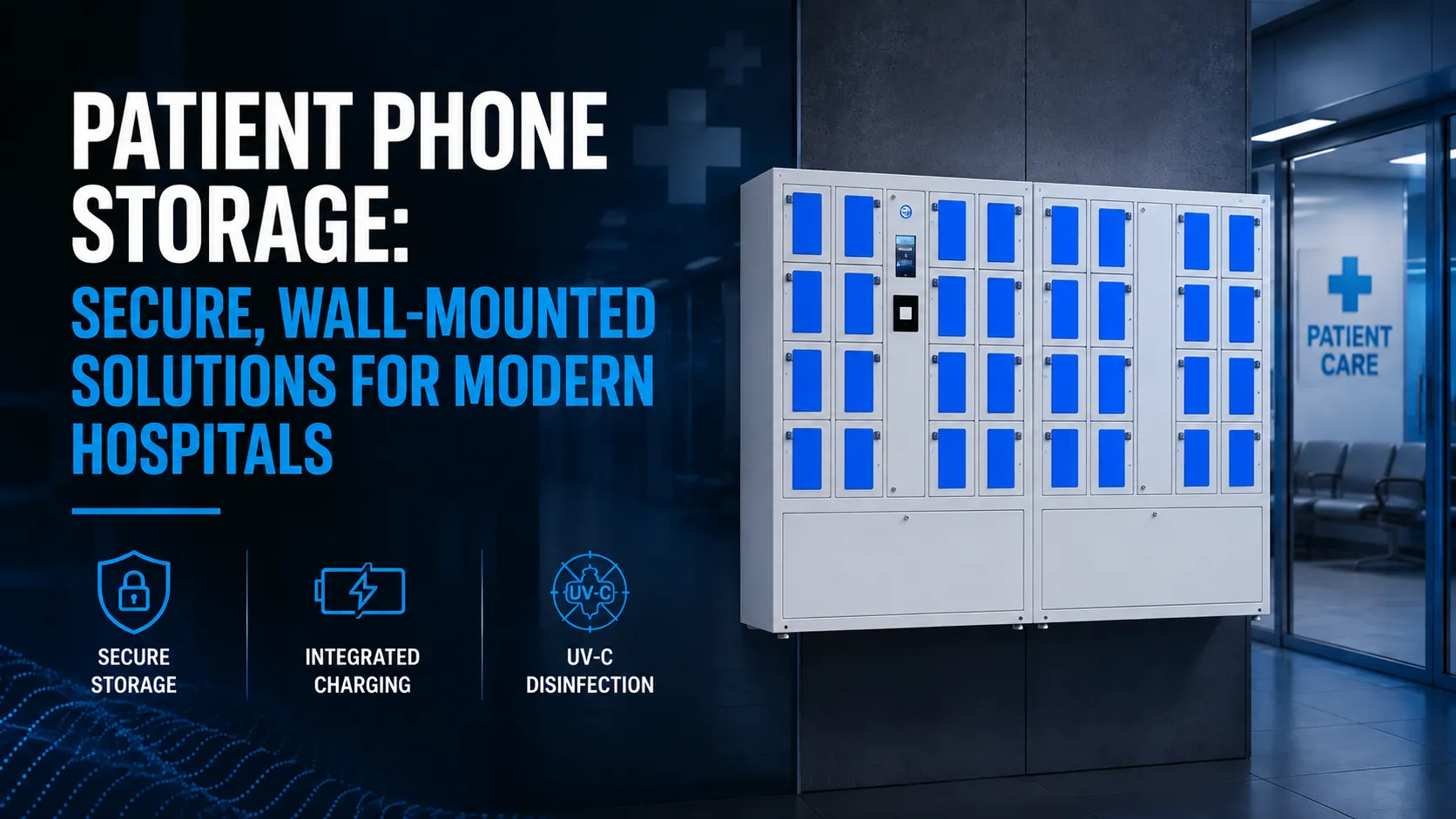
Patient phone storage in 2026 goes far beyond a plastic bin at the nurse station. Here’s what hospital decision-makers need to know:
- Charging lockers provide secure storage for mobile devices, combining lockable compartments, integrated charging, and optional UV-C disinfection in a single wall mounted or freestanding unit.
- Smart lockers automate device check-out and return processes, eliminating manual valuables logs and reducing staff time spent tracking phones during admissions, surgery, and discharge.
- Proper patient phone storage reduces lost-property disputes, supports infection control compliance, and contributes to higher HCAHPS patient satisfaction scores.
- Hospitals can start with a pilot deployment in a single department and scale across campuses without replacing hardware, thanks to cloud-connected, modular systems.
- Honestwaves provides B2B-ready smart lockers and charging stations that hospitals can buy or rent, with full support from discovery through multi-facility rollout.
Introduction: Why Patient Phone Storage Matters in 2026
Picture a typical hospital admission in 2026. A patient arrives with a smartphone, wireless earbuds, and a smartwatch. These devices hold everything from family contacts and telehealth apps to insurance cards and personal health data. Patients can manage health data on mobile phones using built-in emergency features, and managing health information on smartphones requires balancing convenience with security. Leave those devices unmanaged on a gurney or bedside table, and you’ve introduced risk on multiple fronts: lost property, privacy exposure, infection transmission, and workflow delays.
Patient phone storage refers to dedicated, facility-grade systems – typically wall mounted lockers, smart charging cabinets, or bedside units – where patients safely store and charge their mobile devices during procedures, stays, or transport. This article focuses specifically on patient-facing solutions, not staff BYOD management, though many of the same smart locker principles apply to both contexts.
Risks of Unmanaged Patient Phones in Hospitals
Ad-hoc storage – sealed envelopes, unlocked drawers, bags handed to family – leads to predictable problems. And the costs add up faster than most organizations expect.
Lost property and legal exposure. Under the legal doctrine of bailment, once a hospital takes custody of a patient’s device, it assumes a duty of reasonable care. Fail that duty – no secure storage, poor inventory, unlocked cabinet – and the hospital may face negligence claims. Courts typically limit compensation to fair market value, not original purchase price, but even small claims cost money in staff time and reputational damage.
Privacy and data risk. A strong screen lock is essential for protecting health information on smartphones, yet many patients leave devices unlocked. Data on personal devices is not governed by medical privacy laws like HIPAA, and not all health apps are covered by HIPAA regulations either. Users should verify app privacy policies before providing sensitive information. If an unlocked phone is stolen, the patient faces data exposure, and the hospital faces complaints. Remote wipe features should be enabled to protect data if a phone is lost, but few patients configure this proactively. Downloading health apps should be done from official app stores for security, yet hospitals have no control over what’s already installed.
Operational friction. Staff waste time tracking down phones before transport to imaging or the OR, handling last-minute valuables lists, and fielding complaints post-procedure.
Satisfaction and reputation. Research shows that environment-related HCAHPS scores (cleanliness ~85.3, quietness ~81.6) directly influence overall hospital ratings. Lost phones, cluttered bedsides, and distractions from unsecured devices drag those numbers down. Even subtle environment improvements can shift percentile rankings.
Core Requirements for Secure Patient Phone Storage
Think of this as a practical checklist for your facilities team, nursing leadership, and security department when evaluating options.
Security fundamentals. Units must feature individual compartments with tamper-resistant construction: reinforced doors, concealed hinges, anti-pry design, and hardware rated for high standards in public environments. Controlled access – via PIN code, RFID badge, or wristband-linked credentials – ensures only authorized users open a given bay. Staff master keys or badge overrides handle emergencies.
Patient usability. Tool-free operation, clear labeling, and intuitive interfaces matter. Consider patients with limited dexterity or vision: large buttons, high-contrast signage, and accessible mounting heights act as baseline requirements, not extras.
Integrated charging. Cell phone lockers can include built-in charging for devices, and charging lockers feature multi-device charging cables for convenience – supporting USB-C, Lightning, and other standards. Smart lockers require devices to be plugged in to confirm charging, so patients receive a fully charged device at discharge. Critically, all charging ports must include data blocking so only power is delivered. Research has shown that USB data lines can serve as covert channels for malware or data exfiltration.
Infection control. Surfaces must be smooth, crevice-free, and compatible with hospital-grade disinfectants. Integrated UV-C disinfection cycles support infection control, and UV-C disinfection cycles run between uses to ensure safety. These cycles typically claim 99.99% pathogen kill rates.
Compliance and documentation. The system should log when a compartment is assigned, accessed, and released – supporting risk and legal teams without adding paperwork. This creates accountability and eliminates reliance on manual log sheets.
Types of Patient Phone Storage Solutions
Hospitals rarely deploy a single solution type. The right mix depends on unit layout, patient acuity, and workflow.
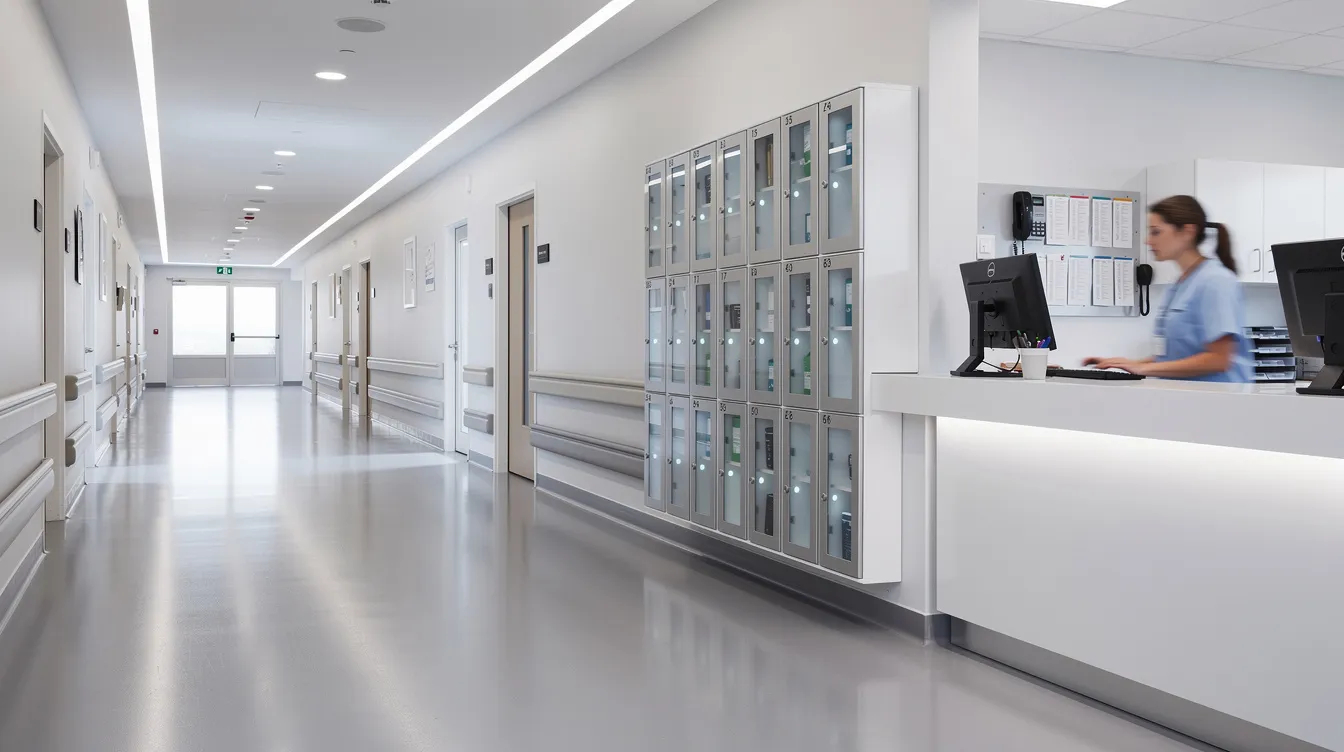
Wall mounted cabinets. Classic wall mounted phone storage cabinets with transparent or opaque doors, typically holding 12 to 60 phones. Mobile phone storage cabinets can hold up to 60 devices, making them ideal for pre-op holding, PACU, or staff areas adjacent to restricted zones. They save floor space and can be installed near nurse stations for visibility.
Smart charging lockers. Networked units with PIN or RFID access, secure storage, integrated charging, and optional UV-C disinfection. Charging lockers support infection control with UV-C disinfection and are best suited for higher-risk areas like EDs and long-stay units. Learn more about how smart lockers work and what they cost in 2026.
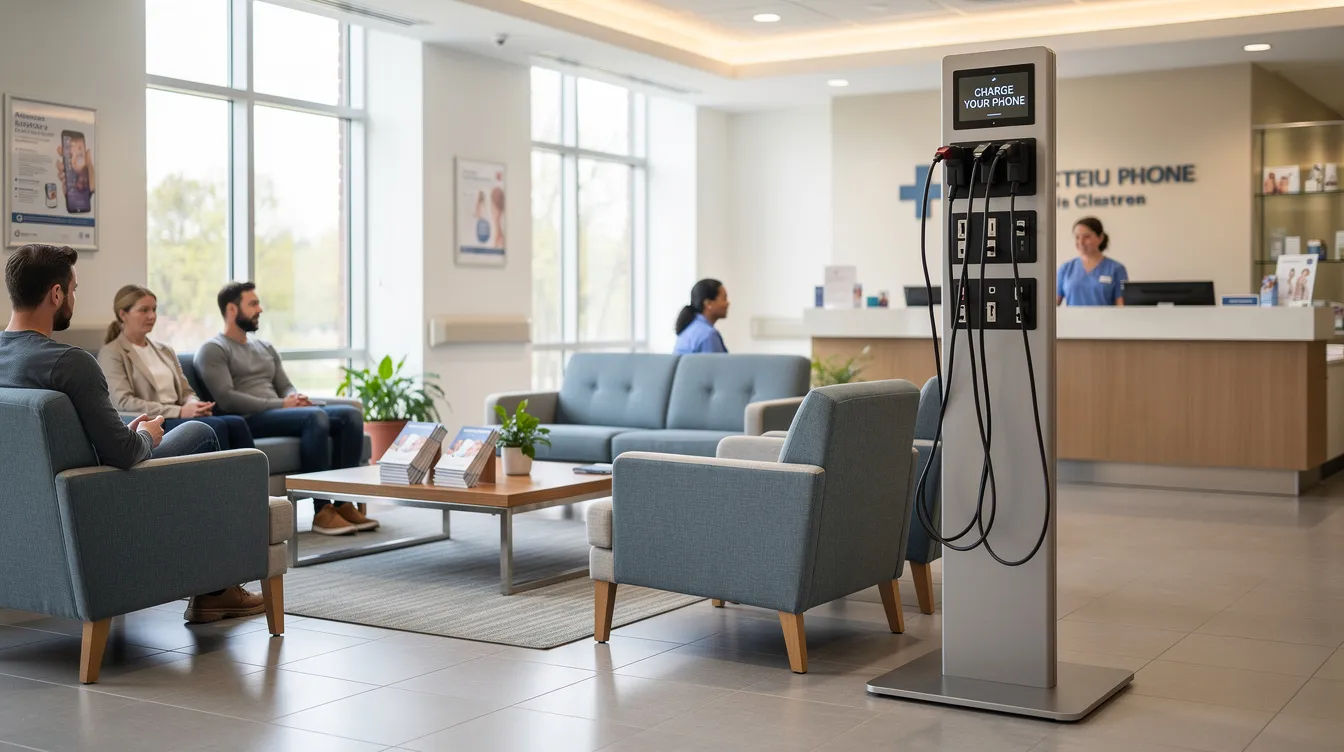
Charging furniture. Charging tables in waiting rooms and lobbies serve visitors and guests who keep devices in hand but need safe, secure charging. These create convenience without requiring patients to surrender their phones.
Portable and rental kiosks. Freestanding units for temporary situations – seasonal volume spikes, construction detours, or pilot programs. Hospitals can trial patient phone storage before committing to permanent installation, and units can ship quickly for urgent deployments.
Low-tech options. Lockable bedside drawers, labeled valuables envelopes, and safe-deposit style boxes. These lack charging, audit trails, and disinfection – which is why most hospitals are moving toward more scalable, professional solutions.
Designing Patient Phone Storage for Real Hospital Workflows
Theory is one thing. What matters is how patient phone storage actually fits into the workflow on the floor.
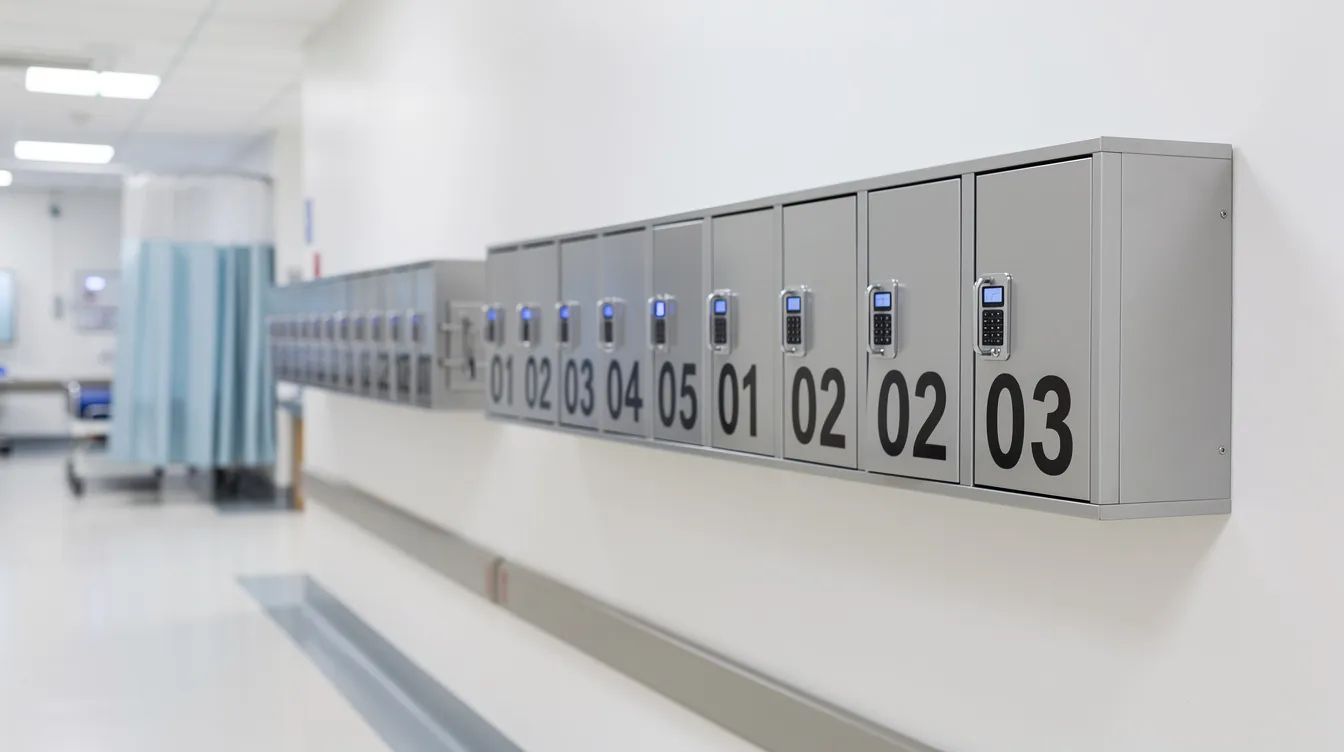
Admissions. During check-in, staff log valuables, place devices into numbered compartments, and document access credentials in the admission packet or EHR. Smart lockers automate device check-out and return processes, which means nurses don’t need to manage a manual valuables list. Every device movement is logged with user identity and timestamp, creating a clean audit trail from admission to discharge.
OR and procedure prep. Patients place phones into secure storage before entering the OR or imaging suite. Staff use controlled access to retrieve devices post-procedure. Smart lockers ensure devices are charged before return, so patients wake up to a powered-on phone – not a dead one. Real-time monitoring alerts staff about overdue devices, prompting retrieval before discharge bottlenecks form. Read more about how this fits into clinical device management in hospitals.
In-room stays. Bedside wall mounted lockers or integrated furniture keep phones accessible but secure when patients sleep, receive therapy, or leave the room for tests. The key is peace of mind without sacrificing access to family calls or telehealth.
Visitors and caregivers. Lobbies, ICU family lounges, and waiting rooms benefit from shared charging lockers. Visitors entering restricted zones can store devices rather than carrying them into sterile or privacy-sensitive areas, reducing distractions and improving environment scores.
Facility policy alignment. Signage, scripting for nurses, and standard operating procedures ensure patients understand when and how to use storage. This is a change management job – not just a hardware purchase.
Security, Controlled Access, and Data Protection
Secure storage must connect physical safeguards to broader hospital security and cyber-risk programs.
Access models. Smart lockers require authentication for device access – whether that’s a printed PIN, a wristband-linked code, or RFID badge tap. Staff master keys or badges provide supervisor override for emergency access. These controlled access layers ensure no unauthorized person opens a bay.
Audit trails and custody visibility. Smart lockers provide 100% custody visibility for devices. Smart lockers provide 100% custody visibility for device check-outs, and every compartment event – open, close, override – is logged. This resolves disputes fairly without relying on memory or handwritten records. Automated systems reduce lost devices to near-zero levels, which is a significant improvement over manual tracking.
Data blocking. Charging ports deliver power only, with no data line connectivity. This prevents accidental device-to-device data transfer, spoofed hosts, or attacks exploiting USB vulnerabilities – a real concern documented in cybersecurity research.
Physical hardening. Reinforced doors, concealed hinges, anti-pry construction, enclosed cable routing, and mounting hardware that prevents theft of the entire unit. Durable, cold-rolled steel construction withstands hundreds of thousands of open/close cycles.
Privacy and compliance. Using strong device-level authentication enhances the security of health data. Proper device hygiene includes keeping software updated to mitigate security threats. By storing phones in locked compartments rather than leaving them exposed, hospitals reduce the odds of unauthorized photography in restricted areas and support HIPAA-aligned rules around mobile devices in clinical settings. UV-C disinfection cycles run between uses in smart lockers, adding an infection control layer that also satisfies accreditation scanners during inspections.
Choosing Locations: Wall Mounted, Freestanding, and Portable Options
Even the best system fails if it’s hidden, inconvenient, or violates life-safety egress rules. Placement is everything.
Wall mounted units. Mount at heights accessible to wheelchair users (ADA compliance), near nurse stations or pre-op check-in desks, and away from medical gas panels or code-clear corridors. These units are configured to maximize visibility while minimizing footprint.
Freestanding kiosks. Flexible units for ED entrances, large lobbies, and family waiting areas. Some feature 360-degree access and integrated digital signage for patient education or hospital branding. These work well in contexts where permanent wall mounting isn’t feasible.
Capacity planning. Size storage for your typical daily census – one compartment per bed plus a 10–20% buffer for visitors and readmissions. For waiting lobbies, align capacity with peak occupancy during visiting hours. A schedule of usage data from a pilot will sharpen these estimates.
Power and network. Smart lockers need dedicated outlets with surge protection and optional Ethernet or secure Wi-Fi for cloud connectivity, status monitoring, and analytics. Coordinate with your facilities and IT team early.
Aesthetics and wayfinding. Color-coding by unit, signage in multiple languages, and clean, minimal designs match modern hospital interiors without feeling industrial. When patients see professional, clearly labeled storage upon entering a unit, trust increases immediately.
How Honestwaves Supports Patient Phone Storage Projects
Honestwaves specializes in secure phone charging stations and smart lockers for healthcare across North America and facilities in every country where institutions need managed device storage.
Consultation. Discovery calls with facilities, nursing, and IT to understand patient volumes, current pain points, and target units, whether that’s the ED, OR holding, maternity, or an ICU family lounge. Official healthcare provider apps allow access to medical records and test results, and hospitals increasingly expect that patients’ phones are charged and ready for these tools at discharge. Secure cloud storage aids in managing and storing health information safely, which makes reliable charging a clinical expectation, not just a convenience.
Product range. Honestwaves offers wall mounted phone storage lockers, smart lockers with RFID/PIN access, charging tables, and portable kiosks for temporary use or trials. All units feature cloud connectivity, usage analytics dashboards, data blocking on every charging port, and optional UV-C disinfection.
Purchasing and rental. Options include outright purchase with a lifetime hardware warranty and short- or long-term rentals for events, overflow units, or pilot programs. This flexibility lets hospitals manage budget constraints and create a business case with real data before committing to a full-scale deployment.
Ready to explore what patient phone storage looks like on your floor plan? Contact Honestwaves to request a tailored quote, a floor plan review, or a pilot deployment. The team can help you project reductions in lost items, staff time, and the money your facility currently spends managing valuables claims. Visit the healthcare solutions page to get started.
Future Trends in Patient Phone Storage and Charging
Patient expectations and hospital technology stacks are evolving fast. The future of phone storage is more integrated, more intelligent, and more connected.
EHR and visitor management integration. Upcoming systems will match locker bay assignments to patient records, send automated text alerts when a device is stored or ready for pickup, and link to visitor management platforms for caregiver access. Native, encrypted health aggregators consolidate lab results and clinical data, and storage systems will need to support the devices that run them.
Biometric access. Fingerprint and palm-vein verification are being piloted to eliminate physical keys and reduce code sharing in high-security areas. Medical ID setup allows first responders to access critical health information on locked devices, and biometric access on lockers mirrors this trend toward frictionless, identity-based control.
Hardware innovation. Modular lockers that can be reconfigured between phones and tablets, higher-speed charging as battery technologies evolve, and bays designed for wearables and earbuds. Organized health documents can be stored in secure, encrypted locations on devices, and lockers must keep pace with the growing range of personal tech patients carry.
Analytics-driven planning. Usage patterns, peak demand data, and lost-item reduction metrics from smart storage will feed directly into capacity planning and capital budgets. Automated backups should utilize strong encryption and multi-factor authentication, and the analytics layer will help hospitals that are interested in continuous improvement prove ROI to leadership.
Hospitals choosing flexible, cloud-connected solutions today – across schools, corporate campuses, and clinical environments – will be best positioned to adopt these capabilities without replacing entire fleets of hardware.
FAQ
How much do secure patient phone storage systems cost, and how do hospitals justify the investment?
Smart charging lockers typically range from $80 to $150+ per bay depending on features (UV-C, cloud connectivity, access control). Hospitals justify the investment by quantifying reduced lost-item payouts, staff time savings on manual valuables management, and improvements in satisfaction scores that can influence reimbursement. Even students and staff in non-clinical settings like schools and universities see similar ROI patterns. A pilot in one department can generate the data needed to build a compelling business case.
Do we have to require all patients to store their phones, or can storage be optional?
Most hospitals use a mixed approach. Facility policy typically mandates phone storage in specific areas – OR holding, sterile zones, and certain imaging suites – while making it optional on general med-surg floors. Unit-specific rules should be clearly communicated through signage and admission scripts so patients understand the expectation without feeling their access is being restricted arbitrarily.
How do patient phone storage solutions support infection-prevention protocols?
Cleanable, crevice-free surfaces tolerate hospital-grade disinfectants. UV-C disinfection options run automated cycles between uses, and sealed compartments separate personal devices from clinical surfaces. This is especially relevant for guests and visitors carrying devices from outside the hospital environment into sensitive areas.
How long does it take to deploy a patient phone storage solution across a unit or facility?
A typical pilot takes four to eight weeks from consultation through installation and staff training. Scaling to additional units usually moves faster once SOPs are established. Wall mounted options require minimal structural work, while freestanding kiosks can be installed and operational within days of delivery.
Can these systems work in older facilities with limited space and power?
Yes. Wall mounted units have a minimal footprint and can be installed on existing wall structures with standard electrical circuits. Freestanding and portable kiosks offer flexibility for facilities where wall space or wiring is limited. Proper planning with an electrician and your facilities team ensures safe, code-compliant deployment regardless of building age.