
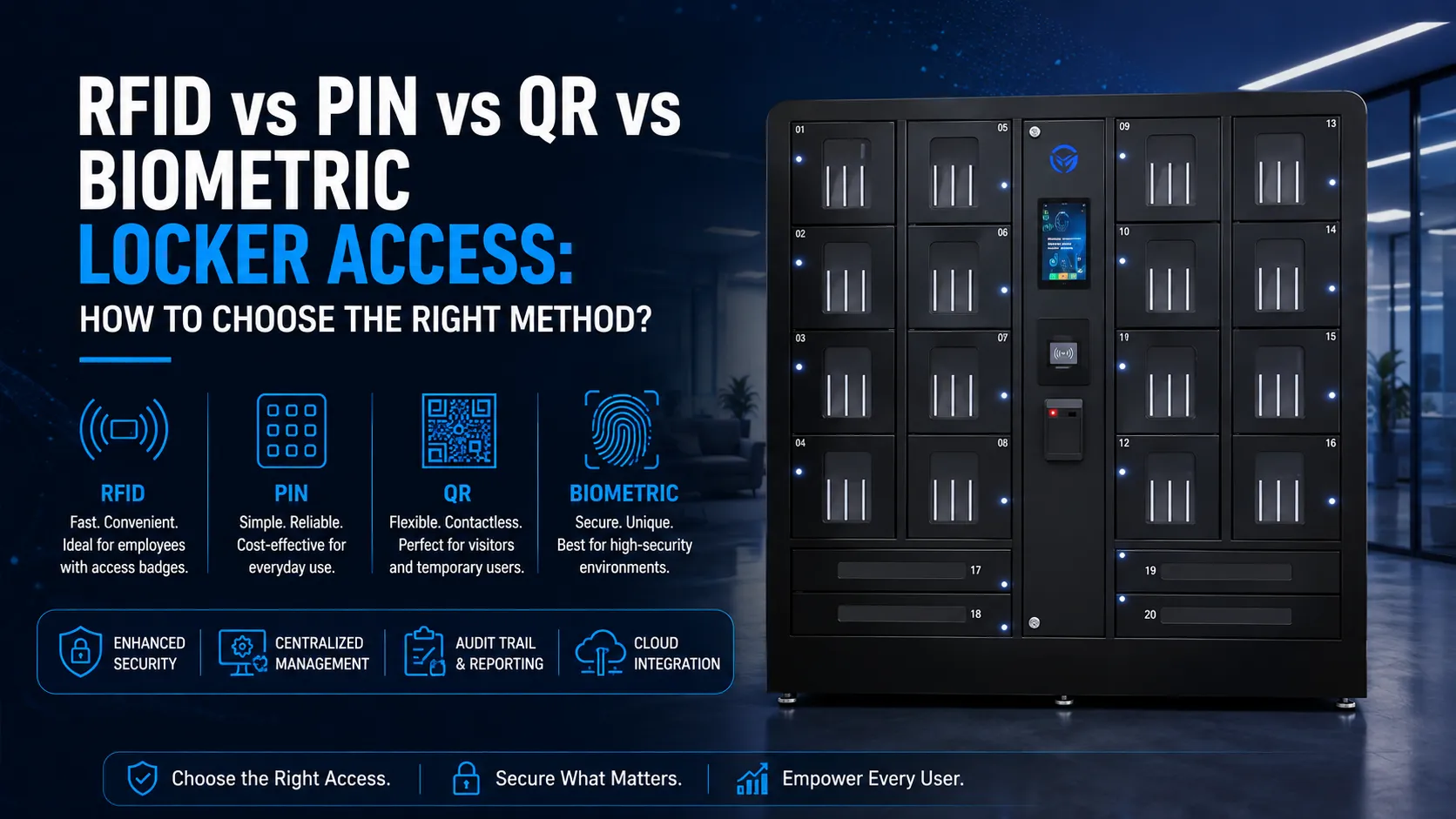
Locker access is the system by which a person opens an electronically controlled locker compartment. An access control system is the hardware and software framework that verifies identity and grants permission before that compartment unlocks. Four primary access methods for lockers are RFID, PIN codes, QR codes, and biometrics; each carries unique trade-offs regarding security and convenience.
At a glance: RFID works best when your facility already has badges, PIN is the simplest and cheapest to deploy, QR codes are ideal for visitors and temporary users, and biometric authentication offers the strongest identity assurance. Selecting access methods for lockers involves balancing security and user convenience, and choosing the right access method depends on specific user needs and environmental factors.
At Honestwaves, we deploy smart locker systems and phone charging stations across USA workplaces, hospitals, schools, and venues. This article breaks down how each method works, what it costs, where it fits, and how to combine methods for a locker platform that matches your operation.
Which Locker Access Method Fits Which Scenario?
Most organizations don’t need to pick just one method. Here’s where each authentication method fits best:
| Scenario | Best Primary Method | Recommended Backup |
|---|---|---|
| Corporate offices with existing badge system | RFID | PIN |
| Visitors and temporary users | QR code | One-time PIN |
| High value assets (medications, prototypes) | Biometric + RFID | PIN override |
| Large public events or rentals | QR code or PIN | PIN (offline) |
| Schools and universities | PIN or QR | RFID (staff) |
| Hot desking environments | RFID | QR via mobile apps |
Smart lockers automate asset storage and access control, so most robust deployments in 2026 combine at least two authentication methods. The sections below explain each trade-off in depth for facilities teams, IT teams, and security leaders evaluating a locker system.
How Smart Locker Access Fits into Modern Access Control Systems?
A smart locker system is a cloud-connected locker platform that controls electronic locker hardware, helps administrators control access to locker compartments and policies, manages user identity, enforces policies, and logs every transaction. Smart lockers integrate electronic locks and cloud management software into one system, and smart locker systems can integrate with existing IT infrastructure like Active Directory, SSO providers, and visitor management tools.
Authentication methods are just different ways users authenticate before the management software grants locker access. What facilities teams and IT teams actually care about is central administration, audit trail integrity, and consistent policy enforcement across locations. Honestwaves lockers are designed to plug into your existing badge system and identity infrastructure rather than replacing it.
RFID Badge Access: Fast and Familiar for Corporate Offices
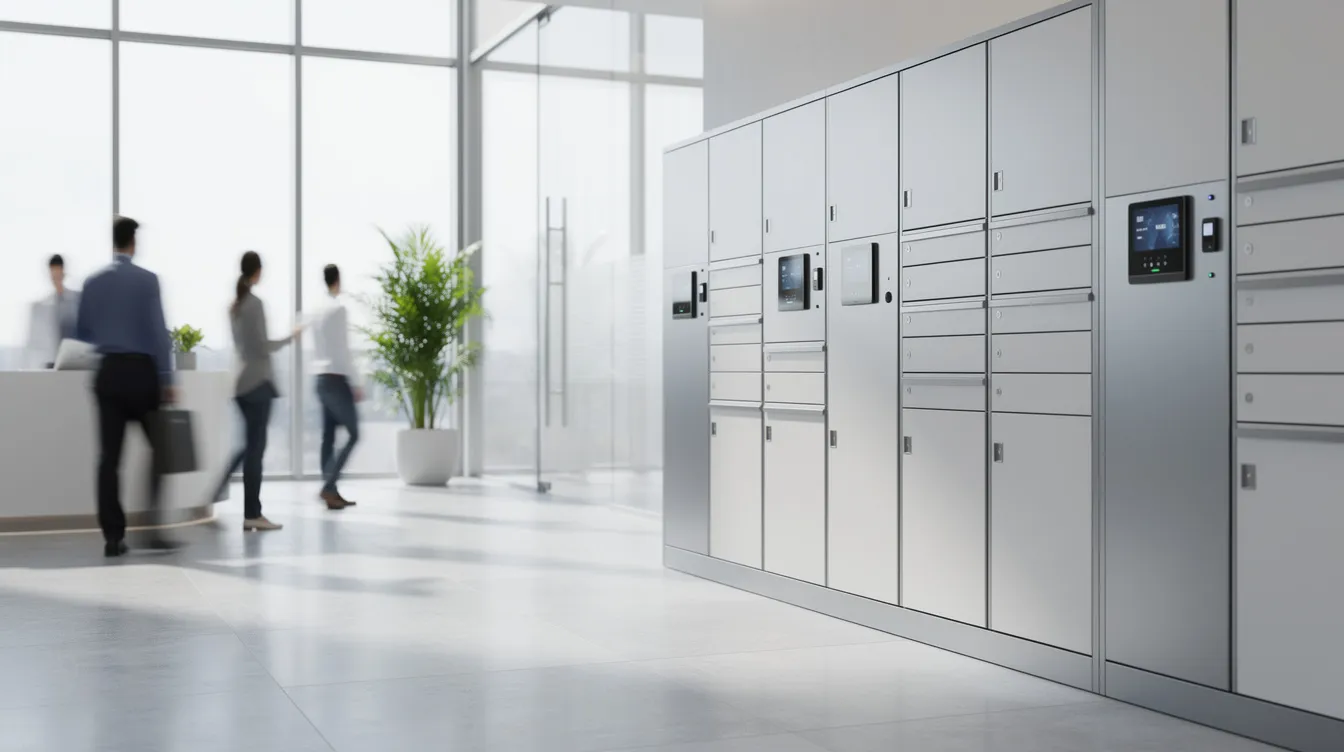
Radio frequency identification locker access works like this: a user taps an existing building badge or fob against an RFID reader mounted on the locker bank. Instead of managing physical keys, badges replace them with faster, centrally managed access. The reader sends the encrypted credential to locker management software, which grants or denies access. RFID access takes less than one second to unlock, making it the fastest method at peak times.
Radio-frequency identification locks have a moderate level of security. RFID lockers allow employees to use existing ID badges for access, which means RFID access uses existing employee badges for locker authentication without issuing new credentials. According to the ASIS 2023 Access Control Technology Study, about 45% of U.S. organizations use proximity RFID cards for access control, making it the most common credential type.
Pros:
- Fastest tap-to-open in high-traffic settings
- Leverages the same badge used for building entry and timekeeping
- Easy for facilities teams to provision and revoke centrally
- RFID is cost-effective for large-scale deployments
Cons:
- RFID badges can be lost, requiring administrative action to revoke and reissue
- Older 125 kHz prox cards are vulnerable to cloning
- Not practical for visitors or one-time users without badges
- Requires integration work with the existing badge system
RFID integrates well with asset management workflows. For example, understanding RFID technology in smart lockers lets you track which employee checked out a loaner laptop from a charging locker by badge ID. Honestwaves positions RFID as the default for enterprise use and healthcare charging lockers because it aligns with existing building badge systems.
PIN Code Access: Simple, Ubiquitous, and Low-Friction
PIN access requires users to input a numeric code on a keypad or touch screen to unlock their locker. PIN codes are keyless and tokenless, requiring only memorization by the user. Deployments split into two patterns: static PINs assigned to employees for a set period, and automatically generated temporary access codes for visitors, couriers, or short-term use.
PIN access has a low to moderate level of security. Gyms, transit hubs, and rental charging kiosks at events often use PIN-only lockers for quick turnover.
Pros: Minimal hardware costs (just a keypad), familiar to all age groups, works in offline or low network connectivity modes, ideal fallback if RFID or QR fails.
Cons: Users forget codes (creating ongoing support load), shoulder-surfing risk, weaker identity assurance when PINs are shared. Best practices include enforcing 6+ digit codes, retry limits, and automatic code expiration tied to audit logs.
QR Code and Mobile Credentials: Flexible Access for Visitors and Hybrid Work
QR code access involves scanning a QR code displayed on a smartphone screen at a barcode scanner or camera mounted on the locker. The system validates the code and opens the assigned locker. QR codes are contactless and highly hygienic as they rely on optical reading, with no physical contact needed.
QR code access has a moderate level of security due to dependencies on devices. If a user’s phone dies or screen glare prevents scanning, access fails. QR code access allows contactless entry without network access when codes are validated locally.
Where QR shines: visitor lockers in corporate offices, package pickup in corporate mailrooms, event charging kiosks, and hot desking environments where employees rotate daily. Email authentication provides temporary access via a one-click link, letting mailroom staff or a management system issue credentials automatically without manual work.
Pros: No physical badge hardware needed, easy to issue to external users, time-limited or single-use codes reduce security risks, pairs well with RFID for employees.
Cons: Requires a smartphone or printed code, codes can be forwarded if not identity-bound, scanning can fail with dirty lenses or low lighting.
Mobile credential evolution is pushing locker access toward wallet passes (Apple Wallet, Google Wallet) and authenticated mobile apps, blurring the line between QR and NFC-based access.
Biometric Locker Access: High Assurance Security for Sensitive Assets
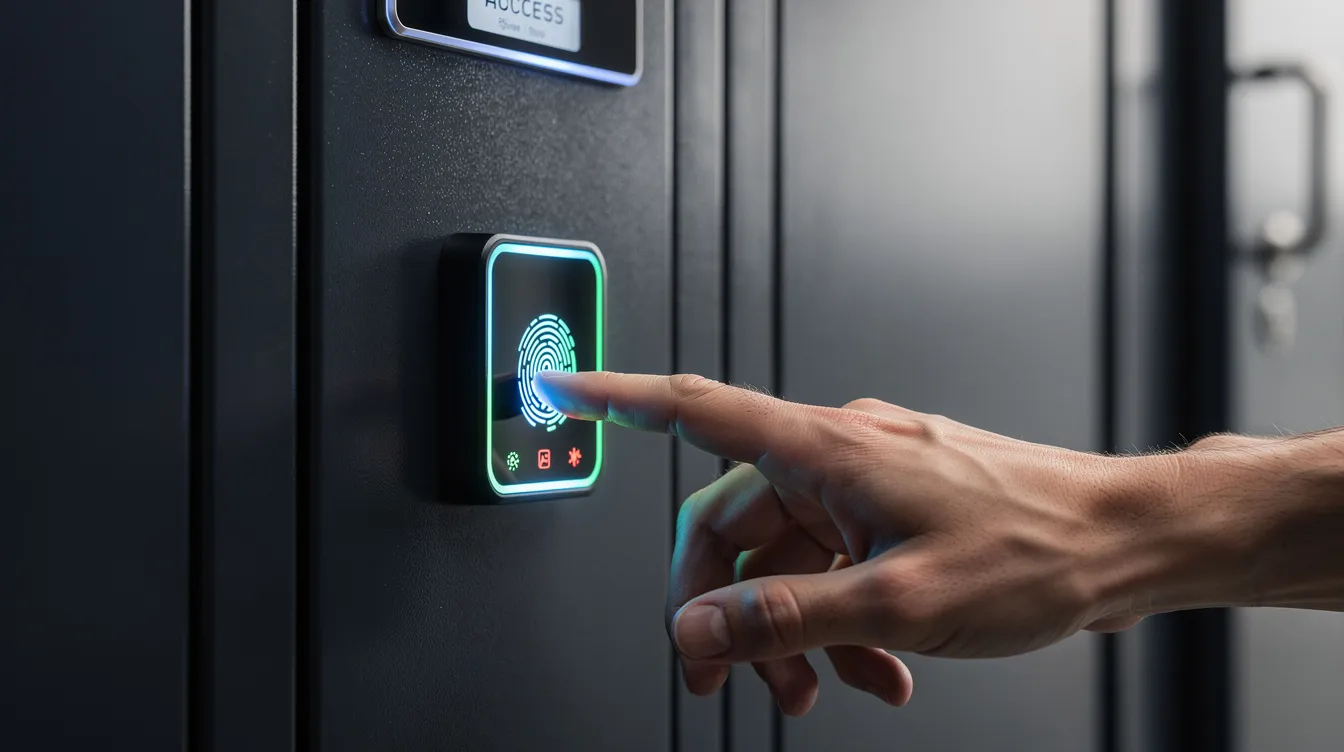
Biometric authentication uses fingerprint scanners or, less commonly, facial recognition terminals to verify user identity. Unlike badges or codes, a biometric scan confirms who the person is rather than what they carry or know.
Biometric access has a high level of security but can raise privacy concerns. Biometric systems eliminate proxy usage for access; you cannot hand someone your fingerprint the way you can share a PIN or badge. Fingerprint access creates a full audit trail for users, making it the strongest option for lockers holding controlled medications, high-value electronics, weapons, evidence, or confidential research materials.
Cons worth weighing: Biometric reader hardware costs run $500 to $2,500+ per unit, compared to $150 to $400 for an RFID reader. Biometric data must be stored as encrypted hashes, never raw images. Biometric data collection requires strict GDPR compliance, and in the USA, state laws like Illinois’ BIPA mandate written consent and template retention limits. Dirty, gloved, or wet hands reduce fingerprint scanner reliability.
Best practice: combine badge access plus biometric scan for dual-factor access to high-risk asset lockers, while everyday personal belongings storage stays on RFID-only or RFID plus PIN. Honestwaves recommends biometrics only where risk and regulations justify the added complexity.
Security, Compliance, and Risk Comparison Across Methods
Security is not just about picking the “strongest lock.” It’s about matching risk profile, user behavior, and compliance obligations to the right authentication methods.
Smart lockers use AES-256 encryption for data protection across all credential types. Smart lockers can utilize electromagnetic locks with motorized locks for enhanced physical security. Compliance certifications like SOC2 and ISO ensure security standards are maintained across the locker platform. Real-time monitoring alerts administrators of security events like repeated failed access attempts or after-hours locker opens.
Single Sign-On simplifies access using existing corporate credentials, tying locker access to the same identity system checks used for building entry and IT systems. For organizations subject to HIPAA, CJIS, or SOX, detailed audit trail data from every locker transaction satisfies documentation requirements. Lower-risk personal storage (phones, bags) fits RFID or PIN; higher-risk asset management (narcotics, prototypes) calls for biometric authentication plus RFID.
Operational Impact for Facilities and IT Teams
Smart lockers reduce staff hours spent on handoffs and queue management. One hospital, Royal Melbourne, saved 1,510 admin hours per year after switching to integrated smart locker technology with RFID and app-based login, replacing manual sign out sheets entirely.
Smart lockers provide real-time status updates for compartments, and smart lockers use IoT sensors to report real-time status so facilities teams see occupancy, failed attempts, and trends from a central dashboard. Mobile app access allows management through smartphone biometrics for remote management of multi-site deployments. Businesses can save 30% on hardware costs using smart lockers, and smart lockers can save businesses 30% on hardware costs annually by consolidating device storage, tracking, and charging into one system.
Questions facilities teams should ask before choosing:
- How often will users forget credentials? (High = add PIN fallback)
- How will we handle external users? (Visitors = QR or temporary access codes)
- What is our ongoing support capacity for resets and enrollment?
- Do we need real time monitoring tied to an asset management workflow?
Cost and Hardware Considerations by Authentication Method
Access method choice affects locker hardware cost, installation complexity, and long-term maintenance. RFID readers cost roughly $150 to $400 per unit. Biometric readers run $500 to $2,500+. Keypads and QR scanners sit at the low end of hardware costs.
RFID can be cost-effective in large deployments because badges and infrastructure already exist. QR and PIN minimize hardware costs for smaller deployments, pop-up events, or rental locker hardware where customers prefer flexible, affordable systems. Compare “cost per secure transaction” and “cost per user” rather than sticker price alone, factoring in training, lost assets, and IT support load.
Honestwaves provides both purchased and rental locker hardware with different access packages: RFID plus PIN for permanent installs, QR plus PIN for short-term events.
Designing a Hybrid Locker Access Strategy
The best locker access control strategy is usually hybrid. You combine methods to balance convenience, redundancy, and security needs across different locker banks and user groups.
Three patterns that work:
- Corporate offices: RFID as primary (same badge for building entry and an assigned locker), fallback PIN if badge is forgotten, QR links from visitor management for guests.
- Hospitals: RFID for staff scrubs and phone lockers, biometric plus RFID for medication or device lockers holding high value assets, QR or PIN for patient family storage.
- Events and venues: QR codes for attendees using portable charging kiosks, PIN as offline backup when Wi-Fi drops, with battery backup keeping the system running.
Policy-driven management software lets administrators configure which methods apply to which lockers, time windows, and user roles. Choose locker hardware today that supports multiple authentication methods so you can add biometrics later without replacing the whole system.
Use Cases by Industry
Education: Student device loaner lockers and phone charging stations using PIN or QR. Staff use RFID tied to campus ID cards. Audit trails track every device checkout.
Healthcare: Staff lockers on RFID. High-security medication lockers require biometric access. Visitor and family lockers use temporary access codes. UV-C disinfection in Honestwaves hardware adds infection control.
Corporate offices and hybrid workplaces: IT asset lockers using RFID with SSO integration so offboarding in HR instantly revokes locker access. Hot desking setups let employees tap their badge each day to get a given locker. Visitor lockers use QR links. Learn more about benefits of smart lockers in offices.
Manufacturing and warehouses: Rugged device lockers for scanners and radios using RFID (gloves-friendly), backed up with PIN codes. Biometrics only where individual accountability is critical.
Events and public spaces: Portable kiosks and fixed lockers relying on QR and PIN for fast, temporary access without building badges.
FAQs
Is RFID or biometric access more secure for locker systems?
Biometric authentication provides higher identity assurance because it ties access to a specific person rather than a transferable token. RFID offers moderate security and faster throughput. For most personal belongings and device storage, RFID is sufficient. Reserve biometrics for lockers holding controlled substances, sensitive prototypes, or assets requiring individual accountability.
What is the best locker access method for visitors and temporary users?
QR codes or one-time PIN codes. Both can be issued automatically through visitor management or parcel tracking systems, require no physical credential, and expire after a set period. QR is preferred when users have smartphones; PIN works as a backup or for users without a device.
Can I combine RFID, PIN, QR, and biometrics on the same locker system?
Yes. Honestwaves smart lockers support multi-method authentication on one system. Administrators configure which methods apply per locker bank, user role, or time window through cloud-based management software. This is the most common approach in 2026 deployments.
How do locker access methods integrate with my existing building access control?
RFID-based lockers read the same badge used for building entry, so no new credentials are needed. Cloud-connected locker platforms sync with Active Directory, SSO, or HR systems, ensuring that disabling a user in your identity provider also revokes their locker access in real time.
What data do locker systems store about users, and how is it protected?
Smart lockers log user identity, access timestamps, and locker assignments. Biometric data is stored as encrypted hashes, not raw images. Platforms use AES-256 encryption and comply with standards like SOC2. Organizations collecting biometric data in states like Illinois must follow BIPA consent and retention requirements.
Which access method is most cost-effective for a small office or school?
PIN-only or QR-only deployments have the lowest hardware costs because they need only a keypad or camera. If you already have an RFID badge system, extending it to lockers adds minimal cost. Start with what your users already carry or know; add methods as security needs grow.
Conclusion
There is no single winner between RFID, PIN, QR, and biometric access. Each method solves a different problem for a different user group and risk level. The practical answer is almost always a hybrid: RFID for badged employees, QR or PIN for visitors, biometrics where individual accountability is non-negotiable.
Smart locker systems are part of a broader access control and asset management strategy. Map your workflows, user types, and asset values first, then design a multi-method approach around those realities.
If you’re evaluating smart locker technology for corporate offices, hospitals, schools, or venues in the USA, get a quote to design an access control mix that fits your operation from day one.