
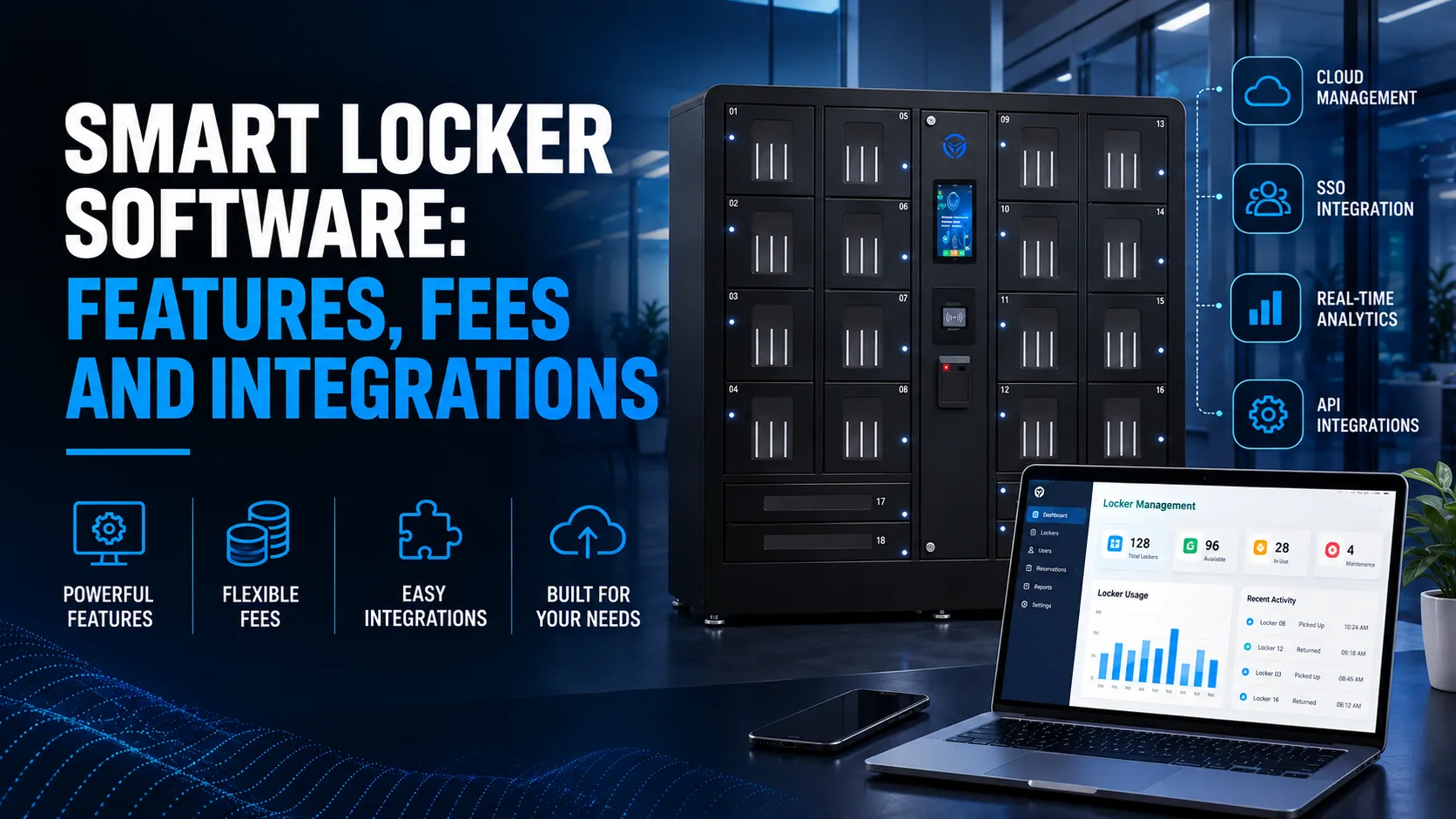
Smart locker software features include access control and authentication, reservation and assignment workflows, audit logs and reporting, notifications, multi-site management, and configurable policy rules that turn a steel cabinet into a connected, automated, and auditable secure storage and charging system. Without the software, you have a box with a lock; with it, you have device management, charging workflows, real-time tracking, and integrations that plug directly into your existing infrastructure.
This article breaks down the core and advanced smart locker software features you should expect in 2026, how the software connects to physical locker hardware, where analytics, cloud dashboards, APIs, and IT or HR integrations fit, what fees and integration costs actually look like, and how to choose the right smart locker system for a US-based organization while avoiding common selection mistakes. Whether you’re buying a permanent connected locker solution or renting smart lockers for a three-day conference, the software layer is where the operational value, security controls, compliance visibility, and scalability are decided.
At Honestwaves, we build this from the perspective of secure device charging: phones, tablets, and laptops stored and powered safely in commercial and institutional environments such as hospitals, universities, corporate offices, event venues, government facilities, and schools. The global smart locker market is projected to reach $7.73 billion by 2026 and $10.96 billion by 2035, and most of that growth is driven by organizations that need more than a place to stash packages—they need secure, automated systems for device storage, charging, and accountability at scale. If you want a deeper primer, start with our guide on what a smart locker actually is.
How Smart Locker Technology Works: Hardware, Software, Connectivity
Smart locker technology combines electronically controlled compartments, embedded electronics, cloud software, and network connectivity into a single system. Unlike traditional locker systems with mechanical locks – no logs, no integrations, no automation – modern smart lockers use electronic locks for enhanced security and digital workflows that track every interaction.
Here’s what a typical transaction looks like in 2026:
- A user walks up and authenticates, and smart lockers verify authorization before access is granted (badge tap, PIN, QR code, or mobile app).
- The software checks policies – role, eligibility, reservation status, loan limits.
- A compartment opens. If it’s a charging bay, the device starts receiving power safely.
- The event is logged locally and pushed to a cloud dashboard instantly.
- Later, the user returns or swaps the device; the system handles overdue alerts if needed.
The physical components in electronic locker systems (locks, sensors, charging hardware) depend entirely on the software to function intelligently. And the software depends on connectivity – Ethernet, Wi-Fi, or LTE – to sync with the cloud. The rest of this article focuses on the software brain, but understand that all three layers must work together.
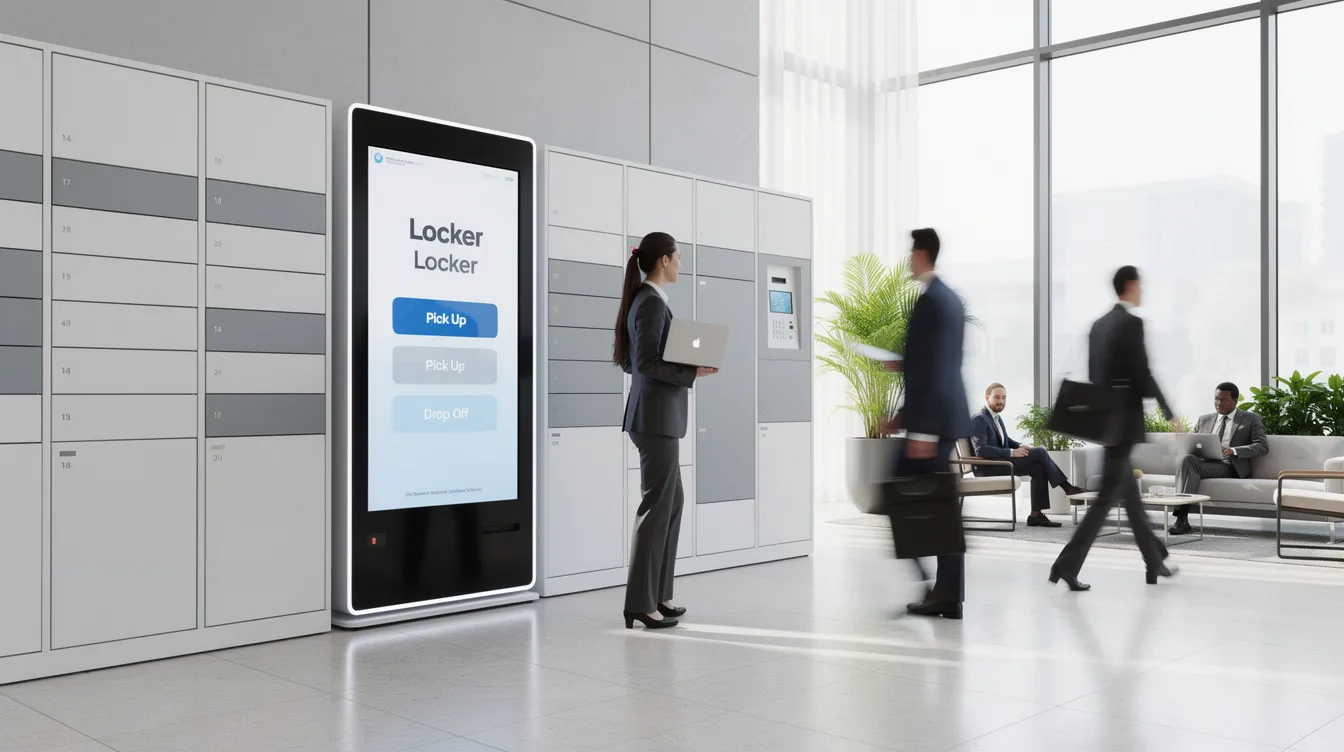
Core Smart Locker Software Features (The “Must-Haves” in 2026)
Think of this as a buyer’s checklist. Any smart locker system you evaluate should cover these essentials for effective smart locker management:
Access control and authentication. Smart lockers support access control via PIN codes, QR codes, and RFID badges, plus mobile credentials. US enterprises expect SSO integration – smart lockers integrate with Single Sign-On through providers like Okta, Azure AD, or Google Workspace – and role-based permissions so only authorized users open specific bays. Flexible access control is important for accommodating different user needs across departments or visitor types. Smart lockers provide locker encrypted user authentication for every access event.
Reservation and assignment workflows. Scheduled reservations for loaner laptops, ad-hoc self-service phone charging, or fully automated locker systems with lockers automated assignment based on device type and availability. Admins can monitor lockers automated assignment from the software dashboard.
Audit logs and reporting. Audit trails record every access event – who, what, when, which compartment – for accountability and security. Retention should meet compliance norms (12–36 months for HIPAA/FERPA environments). Smart lockers can track user activity and access logs, which is critical when investigating lost or misplaced devices.
Notifications and reminders. Smart locker software provides automated notifications via text or email – pickup alerts, approaching deadlines, overdue returns. Automated notifications improve the recipient’s experience and reduce admin follow-up. Configuration should allow custom timing and escalation paths. Smart lockers also feature automated alerts for maintenance issues like jammed doors.
Multi-site and multi-tenant management. Scalability features are vital for adapting to growing business needs. A connected smart locker platform should let you manage lockers remotely across campuses or health systems from a single cloud dashboard, so locker networks grow seamlessly.
Configuration and policy rules. No-code admin tools to set max loan time, device type restrictions, late fee triggers, and device swap flows. This is where smart locker software enables remote management and monitoring by administrators without requiring engineering resources.
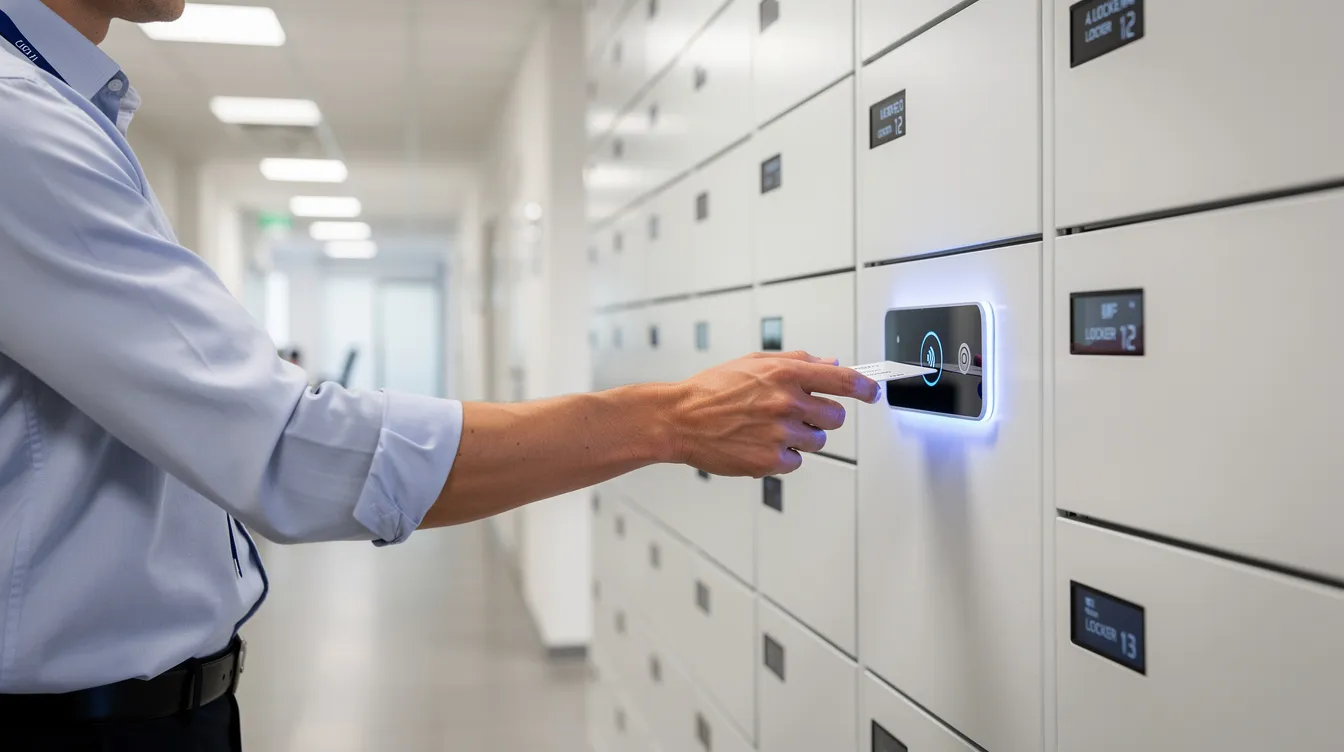
Advanced Features for Device Charging and Security
Not all smart locker solutions are built the same. Parcel lockers solve a different problem than device management lockers. Here’s where Honestwaves and similar device-focused vendors differentiate:
Charging capabilities. Modern smart device lockers need USB-A, USB-C Power Delivery (supporting 60–100W for laptops), and AC outlets. Smart lockers charge devices safely using surge protection, electronic locks, overcurrent limiting, and heat sensors. Manufacturers are also adopting energy-efficient designs to reduce power draw across large deployments. For more on charging standards, the USB Implementers Forum provides technical specs.
Data-blocking technology. In healthcare, government, and PCI-sensitive environments, charging cables must disable data lines – only power passes through. This prevents data theft or malware transfer when employees plug in personal phones. Smart lockers reinforced with data blocking are a core Honestwaves differentiator across our charging stations, smart lockers, and portable kiosks.
Security controls. Encrypted communication (TLS 1.3) between kiosk and cloud, secure firmware updates, brute-force PIN lockout, and tamper detection with automatic admin alerts. The CISA Secure Our World framework outlines many of the same principles applied to smart locker environments. Event logging, secure firmware updates, and role-based admin access should be non-negotiable.
UV-C disinfection. For shared or assigned devices between shifts, some bays include UV-C lighting controlled by software – scheduling cycles, logging completion, and confirming sanitation before the next user.
Usage analytics. Dashboards showing utilization by locker bank, dwell time, peak hours, and most-used compartments help IT and facilities teams right-size capacity. Smart lockers support real-time tracking of assets and packages across locations.
Backend Architecture: Cloud Dashboard, APIs, and On-Site Touchscreen
Smart locker software isn’t a single app. It’s an ecosystem: a local controller, a cloud portal, and APIs that tie everything together, with a smart locker system based on local control plus cloud management and APIs.
Touchscreen / kiosk app. User-friendly interfaces are crucial for efficient operation – large buttons, ADA-compliant flows, language selection, clear prompts for pickup, drop-off, or device swap. This UI must handle rush periods (class changes, shift transitions) without breaking down.
Cloud management dashboard. Browser-based, supporting distributed IT teams. Modules include locker inventory, user directory, policy config, reports, alerts, and remote lock/unlock. Cloud-based smart locker software eliminates IT costs and delays compared to on-premise servers. Cloud management scales easily across multiple sites, and smart lockers connect to a cloud-based management platform for centralized control, often with enterprise setup coordinated alongside device management systems.
APIs and webhooks. For software integrations smart lockers depend on APIs for management – REST endpoints for events (locker opened, device returned, item overdue), plus webhooks for real-time feeds into directory and ticketing systems. For a deeper look at API architecture, see our smart locker API integration guide.
Offline resilience. When network drops, the local controller should still accept cached credentials, open bays, and queue logs for sync when connectivity returns. Battery backup for locks ensures basic operations during power outages. This local control and remote status capability is essential for maintaining efficient device access 24/7.
Integrations: How Smart Locker Systems Plug Into Your Existing Tools?
Software integrations for smart lockers are where long-term value – and hidden costs – live. Over 52% of organizations view unified data platforms as essential, and smart lockers that don’t connect to your existing stack will create data silos.
Identity and access management: SSO/SCIM integration with Azure AD, Okta, or Google Workspace means locker access is automatically provisioned and revoked. Single Sign-On reduces password-reset requests by 75%, which directly cuts help desk load. Integrations with enterprise systems allow seamless operations and data flow.
ITSM tools: Integrations with platforms like ServiceNow or Jira Service Management let a help desk ticket automatically reserve a locker bay for a laptop swap – ticket created → bay assigned → user notified → pickup → ticket auto-closed.
Mailroom and parcel systems: Smart lockers can track packages using simple scans at touch points, triggering automated bay assignment and pickup notifications. Smart lockers also enable contactless pickup for online orders in retail environments.
HR, learning, and security systems: Synchronize with HRIS or student enrollment systems so only active employees or students access employee device lockers. Smart lockers can connect with facility management systems for broader operational visibility.
Analytics and BI tools: Export locker usage data to Power BI, Tableau, or data warehouses for capacity planning and ROI reporting.
Fees and Pricing: How Much Smart Locker Software and Integrations Really Cost?
When comparing smart locker costs, separate three buckets: hardware cabinet cost, recurring software license, and one-time integration fees.
Software pricing models common in the US market:
| Model | Description | Typical Range |
|---|---|---|
| Per-locker-bank | License per physical unit | $500–$2,000/year |
| Per-door/bay | Scales with compartment count | $30–$100/door/year |
| Per-location | Site license, multiple banks | $2,000–$8,000/year |
| Enterprise SaaS | Tiered plan, bundled features + support | $10,000–$25,000+/year |
Smart locker system cost (hardware + software) for mid-tier systems typically runs $3,000–$12,000 per unit. The system price depends on software tier, bay count, and charging capability. For our detailed breakdown, see How Smart Lockers Work & Cost in 2026.
Integration costs are where budgets get surprised. Custom integrations to a hospital EMR, legacy HR system, or bespoke mailroom platform incur one-time professional services fees – often $3,000–$10,000 per connector. Integration fees may recur when major API changes happen.
Hidden costs to watch: premium SSO connectors, extra reporting modules, SMS notification overage charges, per-API-call fees, and cable routing software capabilities that require add-on licensing.
For Honestwaves customers, pricing is customized by project size and whether you’re purchasing, leasing, or renting for events. Get a Quote to see what your specific deployment looks like. Our Smart Locker RFP Guide provides additional pricing benchmarks.
How to Choose the Right Smart Locker System?
Here’s a step-by-step framework for US organizations evaluating how intelligent locker solutions compare:
- Define your use case. Parcel pickup, asset management lockers, employee device access, guest phone charging, or a mix. Use this first step to guide which smart locker system choose criteria matter most. Key smart locker benefits include fewer manual handoffs, fewer lost devices, and less strain on limited IT staff. Don’t pay for parcel-specific features if you mainly need to automate device storage and secure handheld devices.
- Assess environment and scale. Indoor vs. outdoor, number of bays, single building vs. multiple sites. Key features include power availability, network runs, and ADA access. Installation environment – verify accessibility before ordering.
- Evaluate software fit. Choose a smart locker system based on supported workflows, integrations, and security needs. Look at how intelligent locker systems feature the workflows you need. ForwardPass smart lockers, for example, emphasize SSO and audit trails. Smart locker technology from ForwardPass and others should be evaluated against your actual requirements.
- Security and compliance. Ask about encryption, audit logging, data residency for US customers, and HIPAA/FERPA considerations. Verify smart lockers encrypted data handling and durable construction with universal support for your device types.
- Vendor support and lifecycle. Evaluate uptime SLAs, remote diagnostics, OTA updates, and end-of-life plans. A smart locker system offers scalable design that protects your investment as needs grow.
- ROI modeling. Verizon reported 525 lost assets incidents in 2026. If a smart locker system prevents even a fraction of device replacements at $800+ per device, payback arrives fast. A 2,000-employee office reducing laptop loss by 20% saves $50,000+ annually in replacement costs alone.
Honestwaves Use Cases?
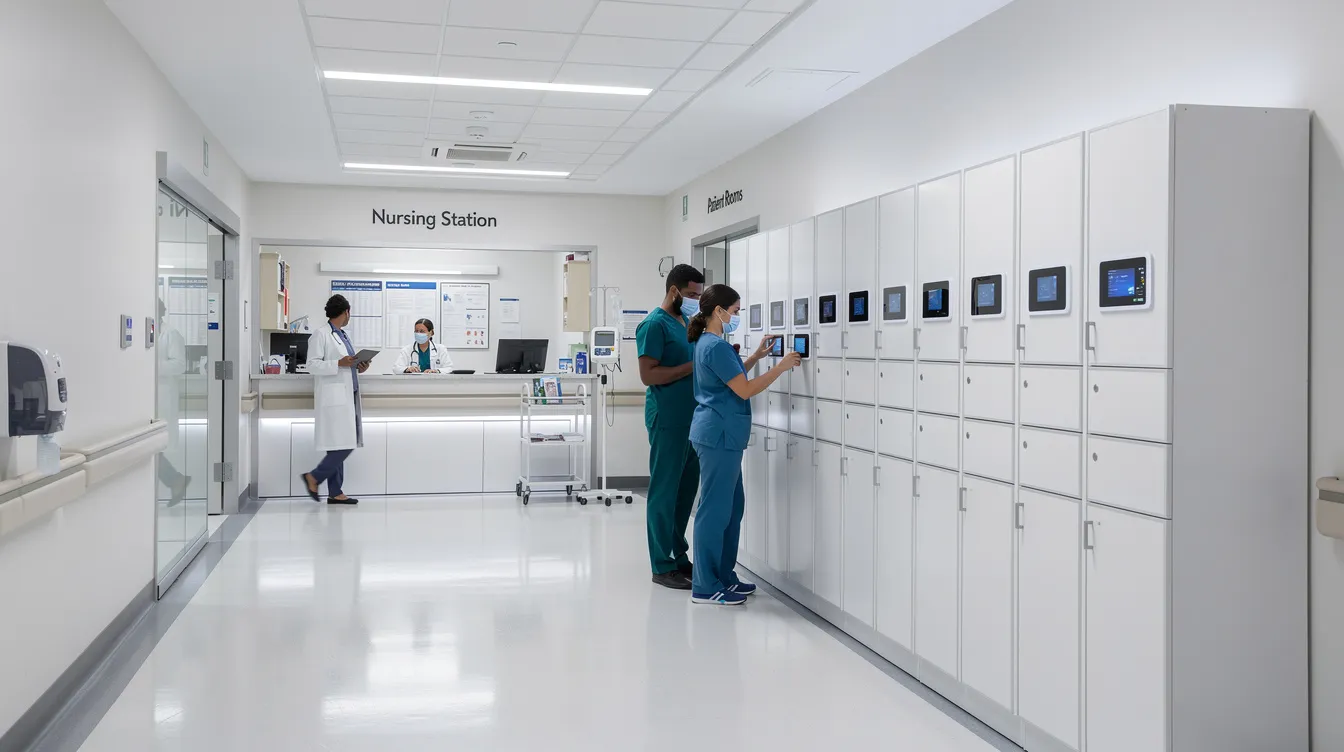
Hospitals and healthcare. Erie County Medical Center uses automated locker solutions for secure storage of shared clinical tools and devices, with clinical staff charging shared iPhones between shifts using role-based access and UV-C disinfection. These deployments support shift handoffs by automating device access and replacing manual sign-out sheets. Learn more about clinical device management in hospitals and our healthcare solutions.
Universities and schools. During the 2025–2026 academic year, multiple campuses deployed SecureTech EDU Series lockers for laptop loaners in libraries and phone charging in student centers, integrated with campus SSO and card systems. The bottom line: smart lockers solve both the device management and mobile device management challenge in education.
Corporate offices and contact centers. Employees in PCI- or HIPAA-sensitive workplaces securely store personal phones in data-blocking smart lockers during shifts. These connected locker systems manage mobile devices without requiring MDM software on personal phones.
Events, venues, and stadiums. Temporary smart locker rentals for conferences and concerts let attendees charge phones securely, with cloud-based usage analytics for organisers. Line smart lockers up near entrances for maximum throughput.
Government and public buildings. Visitors check electronics using PIN or QR codes, with full audit logs for heightened security. Some agencies also evaluate platforms such as smart locker technology ForwardPass when documenting issue and return activity in secure environments. Smart locker solutions address the specific requirements of secure environments where every access event must be documented.
Common Pitfalls and Mistakes to Avoid
Underestimating software importance. Buyers choose on cabinet price alone, then discover the automated locker system lacks SSO, analytics, or manage lockers remotely capability. Digital locker technology matters as much as the steel.
Ignoring network and power planning. Smart lockers need reliable Wi-Fi or hardwired connections. Dead zones and insufficient power for high-wattage USB-C PD are common killers.
Overcomplicating user flows. If your pickup process has six steps, nobody will use it. Field test with real staff before rollout.
Not budgeting for integrations. Tying into ITSM, HRIS, or mailroom systems takes time and money beyond the base license.
Skipping training and change management. Simple signage, on-screen instructions, and short admin training sessions make or break adoption.
Neglecting policy alignment. Auto-clear times and grace periods must match institutional device retention and privacy policies. Manage lockers – assess whether settings reflect actual workflows.
FAQs
What is smart locker software?
It’s the combination of cloud, firmware, and kiosk applications that control access, logging, workflows, charging, and integrations for smart lockers. It’s what turns physical locker hardware into a fully automated locker system.
How much do smart lockers cost, including software?
For a typical US business deployment, hardware runs $3,000–$12,000 per unit. Software licensing adds $500–$8,000/year depending on scale. Integration and installation fees are separate. Enterprise multi-site deployments can reach $10,000–$25,000+ annually. Smart locker system cost varies by bay count, features, and industry smart lockers serve.
Can smart lockers charge devices safely?
Yes. Modern smart locker solutions from Honestwaves use certified charging electronics, USB-C Power Delivery, surge protection with electronic locks, overcurrent protection, and data-blocking cables to protect both devices and networks.
Do I need IT to manage a smart locker system?
IT typically owns integrations, SSO setup, and security policy. Day-to-day operations – device management features like bay monitoring and user support – can be handled by facilities or mailroom staff via the admin dashboard. Smart locker software enables facility management tools without deep technical expertise.
What integrations are most important for enterprises?
SSO (identity), ITSM (device support workflows), HRIS (employee lifecycle), and parcel/mailroom systems are usually first on the roadmap. A connected locker solution starts delivering ROI when these integrations eliminate manual tracking.
How long does it take to deploy a smart locker system?
Planning and site surveys take 2–4 weeks. Hardware manufacturing and shipping add 4–8 weeks. SSO and integration setup run 1–4 weeks. Total: roughly 6–12 weeks for permanent deployments. Event rentals deploy much faster.