
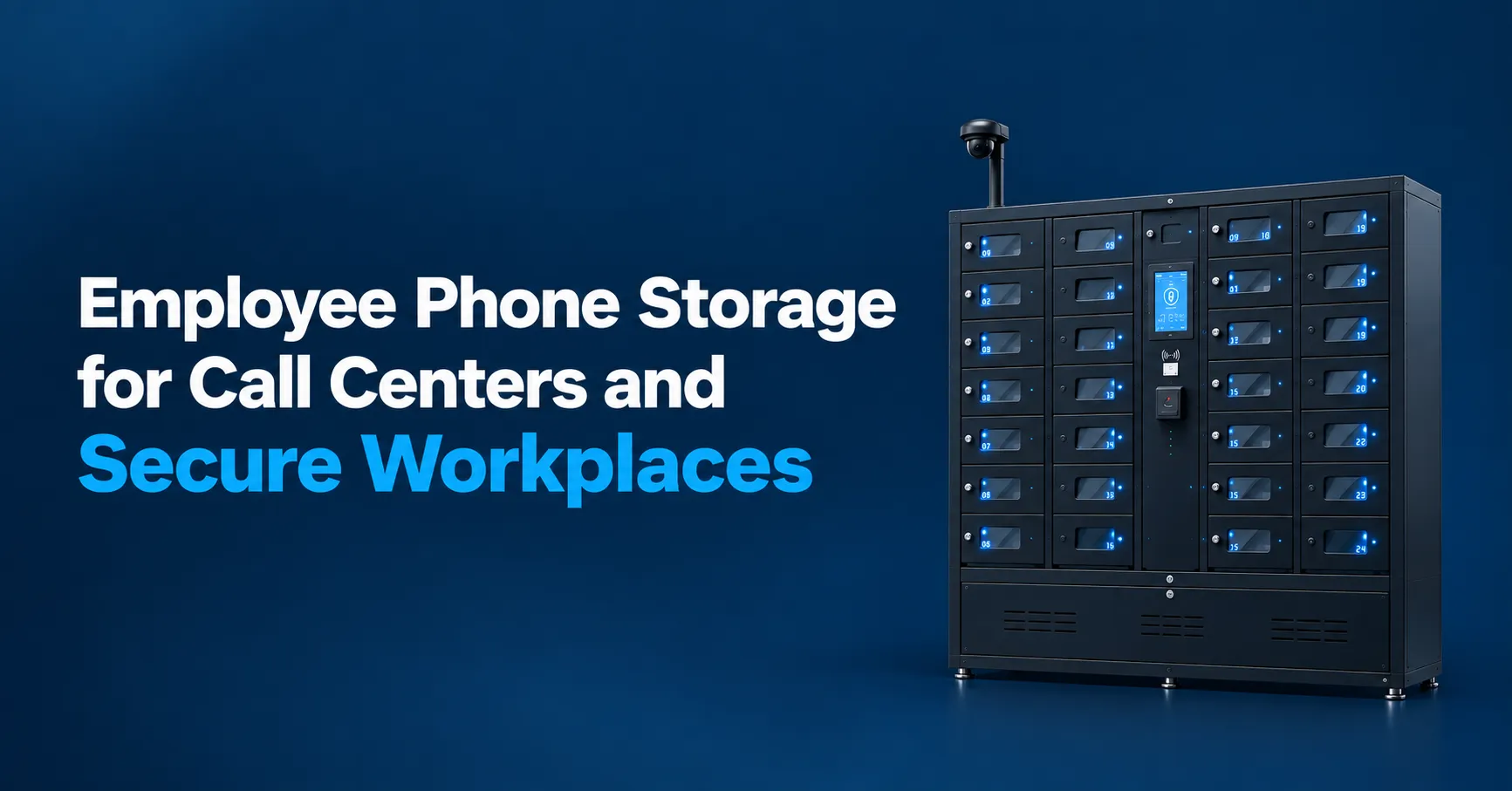
If you manage a call center floor or run security at a facility handling sensitive data, you already know the headache. Phones buzzing on desks, agents sneaking glances at notifications mid-call, and that constant question in the back of your mind: is someone recording something they shouldn’t be? Employee phone storage solves this by giving every person a designated, lockable compartment to drop their phone into at shift start and pick it up at breaks or clock-out. It sounds simple because it is. But the details of how you set it up, what lockers you choose, and how you roll out the policy make all the difference between a system people actually use and one they quietly resent.
How Employee Phone Storage Actually Works Day to Day?
Here’s the short version. Employees walk in, badge through security, and place their personal devices into individually numbered cell phone lockers mounted near the entrance. Each compartment locks with a PIN, key, or badge tap. Phones stay there until break time or end of shift. That’s it.
One 2024 call center rollout installed a 48 compartment cell phone locker bank right next to the employee entrance. Floor phone use dropped by more than half in the first week. Supervisors stopped having awkward “put your phone away” conversations almost overnight.
Smart lockers automate device check in and check out processes, and modern units can include integrated charging, tamper alerts, and usage logs. An effective phone storage solution includes individual compartments, access control, and asset tracking, so you’re not relying on the honor system. Real-time tracking helps identify missing devices quickly if something goes sideways.
The rest of this article walks through policies, locker types, placement, security features, and how solutions from honestwaves support enhanced security without turning your workplace into a surveillance compound.
Why Call Centers and Secure Workplaces Are Locking Up Phones
Picture a busy customer support floor. Agents are toggling between scripts, CRM screens, and call queues. Now add the constant buzz of personal cell phones: group chats, social media pings, news alerts. Every notification is a micro-interruption that chips away at handle time and accuracy.
But distraction is only half the story. Organizations handling sensitive customer data, payment cards, medical records, or government information treat unmanaged mobile devices as real security risks. The 2025 VMI Survey found that 48% of organizations reported a data breach linked to an unsecured personal device in the prior year. Industries handling sensitive information require controlled access to mobile devices, and data privacy regulations like PCI-DSS and HIPAA impose strict compliance requirements on companies that process this kind of data.
Cell phone lockers help enforce no phone policies in workplaces ranging from financial services call centers and healthcare billing hubs to defense contractors, research labs, and government facilities. Phone storage is critical in high-security environments to enforce physical security boundaries. After several high-profile breach headlines between 2022 and 2024 (including the CFPB incident involving 256,000 consumer records transferred to a personal email), more security teams codified device-free zone policies for specific rooms and floors. Physical phone lockers became the most practical way to back up those rules.
Phone storage solutions help organizations balance security, compliance, productivity, and operational control. And they remove the need for supervisors to constantly issue verbal reminders, which almost always creates tension.
What Employee Phone Storage Really Is (Not Just a Box of Cubbies)
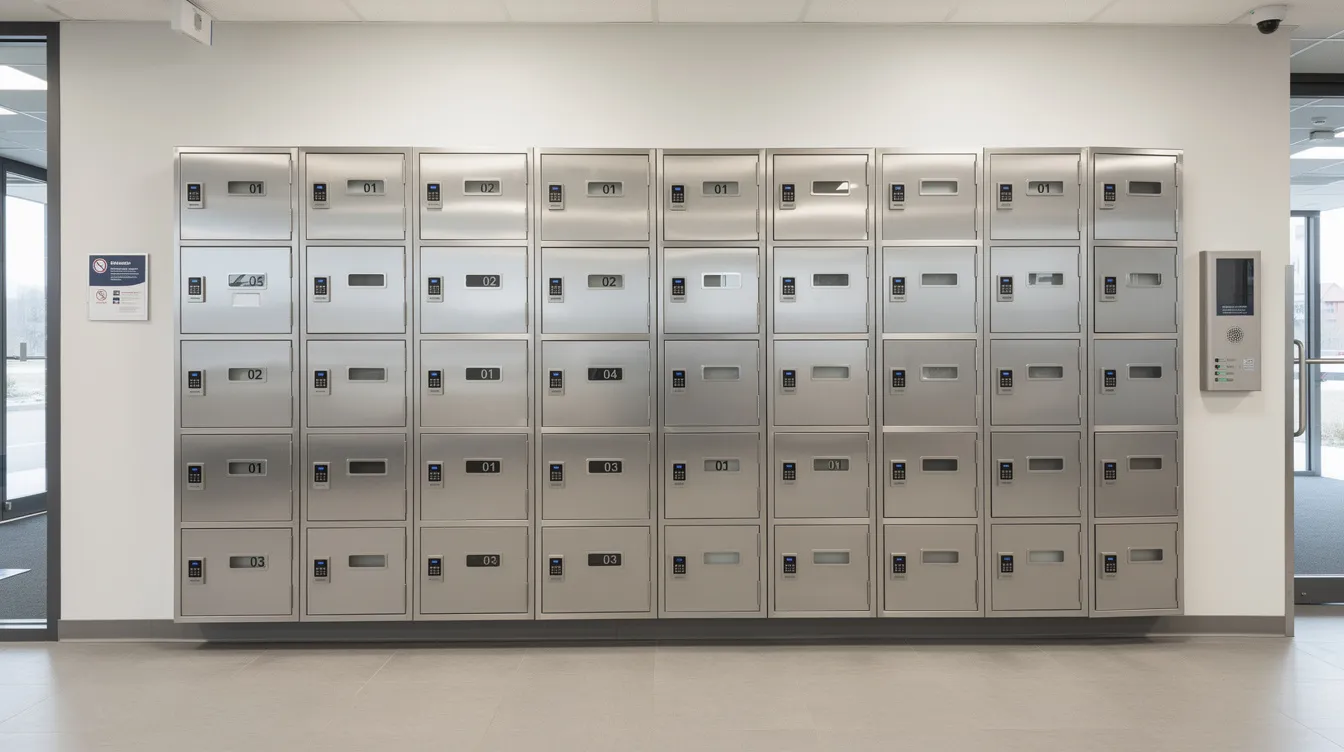
Employee phone storage systems are dedicated banks of cell phone storage lockers installed at controlled points: entrances, break rooms, and changing areas. Each compartment is sized for modern smartphones with bulky cases, plus small items like badges, keys, or a slim wallet.
Cell phone lockers provide secure storage for personal devices. Most cell phone lockers are available in 5 or 7 door high units, and lockers can be mounted on walls or used as freestanding units depending on your space. Each compartment locks individually, either by the employee or through a supervisor controlled system.
Two common models exist. Assigned lockers work well for long term staff who keep the same compartment shift after shift. Day-use lockers suit rotating shifts, contractors, or seasonal teams where people grab whatever compartment is open.
Many facilities now add USB or AC charging inside each cell phone locker. Lockers can include charging ports for devices while stored, and data blocking technology ensures only power flows, with no data connection to employee devices. This matters more than people realize, especially when you consider malware risks.
Cell phone lockers also create phone-free zones in schools and secure phone charging lockers from honestwaves add cloud connectivity, alerts, and analytics for larger sites.
Benefits: Less Distraction, More Focus, and Fewer Awkward Conversations
You’ve probably watched an agent miss a customer’s question because their phone lit up on the desk. It happens constantly. Cell phone lockers reduce distractions during work hours by physically removing the temptation. Structured storage solutions help prevent personal phones from creating distractions during customer interactions.
The numbers back this up. Research on phone restriction in call environments found that workers made roughly 13% more call attempts per minute when phone use was restricted. Effective device management can increase productivity by 68% in some implementations. Secure lockers improve focus and productivity in educational settings too, which is why high schools and universities are adopting the same approach.
Cell phone lockers help maintain safety in high-risk work areas, and they support safety rules in hazardous work zones where distracted technicians create real danger. They also reduce the risk of device theft, since stored devices sit behind locks rather than on open desks.
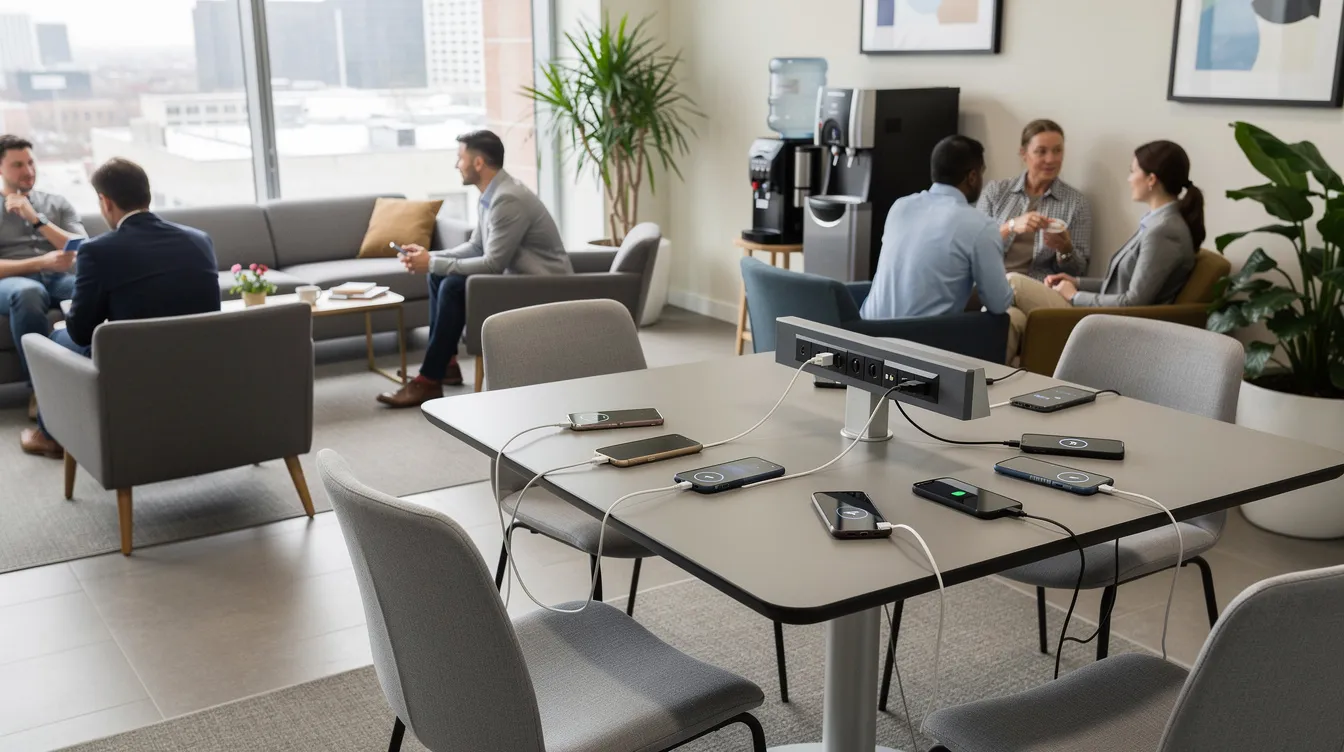
Establishing clear phone usage zones helps define when personal devices can be accessed. Most call centers allow phone use during breaks and keep lockers near break rooms, which actually lowers stress. People know exactly when they can check in on family or messages instead of anxiously wondering.
Supervisors spend less time policing and more time coaching. That shift alone changes the feel of the floor.
Data Security and Confidentiality: Why Personal Phones Make Security Teams Nervous
Personal cell phones are tiny cameras, microphones, storage devices, and network endpoints that your company does not manage. That’s what makes security teams lose sleep.
In call centers and secure facilities, the specific risks include: screenshots of customer accounts, recordings of coaching sessions, photos of access badges, and location data leaking through apps. Secure phone storage prevents unauthorized device access in areas processing sensitive information. Securing phone storage can also reduce the risk of insider threats in high-security workplaces. NIST SP 1800-22A discusses how personal mobile devices introduce threats unless controlled through layered security, and physical lockup in restricted zones is one of the strongest controls available.
Controlled phone-storage processes demonstrate reasonable steps to prevent unauthorized recording or data removal. Physical phone storage solutions keep unauthorized devices away from restricted work areas. Mobile device management software can disable device functionalities in secure areas, but physical separation adds a layer nothing digital can replicate. Using Faraday bags or lock pouches helps restrict phone functionality in secure environments for specialized situations.
Effective storage solutions for call centers include encryption, access controls, and audit logs. Smart locker alerts can flag overdue devices still checked out, tampering with lock mechanisms, or lockers needing maintenance. Strong authentication and encryption protect sensitive information on mobile devices, and secure lockers help protect confidential information in workplaces across every sector.
Choosing Between Basic Cell Phone Lockers and Smart Lockers
Not every facility needs cloud connected hardware. But some absolutely do.
| Feature | Basic Lockers | Smart Lockers |
|---|---|---|
| Construction | Durable metal, clear numbering | Same, plus sensors and connectivity |
| Lock type | Mechanical key or combo | PIN, RFID, badge tap |
| Audit trail | None | Full log of who accessed what, when |
| Alerts | None | Overdue devices, tampering, maintenance |
| Charging | Sometimes | Built-in, often with data blocking |
| MDM integration | No | Yes |
Smart storage lockers use advanced locking mechanisms for security. They offer automated check in and check out, provide real-time tracking of stored devices, and many include built-in charging stations. They can integrate with existing mobile device management systems, and integrating smart lockers with MDM systems enhances device management across your operation. Smart lockers can reduce device theft and loss by giving you full visibility into every compartment.
Call centers that need to prove compliance to auditors lean toward smart solutions because they produce exportable logs. Lockers can include RFID access for enhanced security, tying each tap to an employee record.
For a deeper comparison, check out smart lockers vs charging lockers. A 25 seat support team might only need a single wall mounted phone locker unit. A 400 seat multi-floor contact center will benefit from a networked system with centralized configuration.
Lock Options That Actually Work for Your Teams
The right lock options can be the difference between employees happily using lockers and constantly asking for help.
Common lock types for employee devices include individual keyed locks, resettable combination locks, padlock hasps where staff bring their own lock, digital keypads, and RFID or proximity badge access. Employing digital keypads or biometric access can prevent unauthorized access to phone storage, and lockers with biometric scanners or keypads enhance security for sensitive environments.
The tradeoffs are real. Keys get lost (and someone has to manage replacements). Combinations get forgotten at 6 AM. RFID is fast during shift change but needs integration with your existing badge system. For secure facilities and controlled environments near classified spaces, guard-controlled options let only security officers unlock phone lockers.
Smart locker systems from honestwaves can be configured with layered permissions: managers override compartments while every action gets logged. Mixed lock strategies sometimes make sense too, with keypad access for standard staff and a few higher security compartments for visitors that only security personnel can open. Learn more about how smart lockers work and what they cost.
Planning Locker Placement: Entrances, Break Rooms, and Changing Areas
Location is the number one factor in whether employees actually use phone lockers every day. If the locker bank is tucked in some forgotten hallway, people skip it.
For strict no phone zones and restricted zones, install cell phone storage lockers at employee entrances or security checkpoints. People store devices right as they badge in, and phones never cross the threshold into sensitive areas. Mobile device management reduces device theft and loss risks when paired with this approach.
Break room placement works well for call centers that allow phone use on breaks but not on the floor. Changing areas and locker rooms are smart spots for factories, warehouses, and labs where staff change into uniforms before entering secure buildings or hazardous work zones.
Department entrances serve R&D labs, government facilities, and specific high security rooms. Wall mounted phone lockers fit tight corridors; freestanding cabinets work where floor space allows. Clear signage matters. Employees should never have to guess where their designated locker is. For industrial setups, offline smart lockers for warehouses offer a practical way to handle placement in facilities without consistent network access.
Designing a Phone Storage Policy People Will Actually Follow
Hardware alone does not fix culture. The written policy and rollout matter just as much.
A clear cell phone policy defines where phones are allowed, when phones must be in lockers, how long breaks last, and which roles receive exceptions. Clear communication regarding phone storage policies ensures employee understanding and compliance. Explain the “why” to staff, not just the rules: protecting customer data, complying with client contracts, avoiding fines, keeping everyone focused and safe.
Companies must establish procedures for emergency access to devices in secure zones. Security measures for phone storage should support emergency communications and access for staff. On-call employees or people expecting critical family calls need a documented path to access their phone or a designated emergency phone.
Implementing randomized audits ensures compliance with phone storage policies over time. Using centralized management and security controls improves mobile device security across the enterprise. Periodic review of mobile device security policies is essential for adapting to technology changes, so build in a quarterly or biannual review cycle.
Train supervisors to talk about cell phone storage respectfully, focusing on process rather than personal judgment. Pilot the system in one team for 30 to 60 days, collect feedback, adjust, then roll out site wide.
How Honestwaves Phone Lockers and Charging Stations Fit In?
Honestwaves focuses on secure, easy to use charging and storage for phones in real workplaces. The product lineup includes wall mounted phone lockers with charging capabilities, freestanding smart locker towers, portable phone charging kiosks for temporary call centers, and charging tables for break spaces.
Many solutions feature data blocking technology, so employees can safely charge personal devices without connecting to corporate networks. UV-C disinfection options in some phone lockers appeal to shared environments like healthcare call centers or large campuses. Honestwaves offers rentals as well as purchases, which is useful for seasonal call centers, temporary secure facilities, or pilot programs before a large capital purchase. While competitors like ChargePoint and Luxer One operate in this space, honestwaves differentiates with a lifetime warranty, smart charging lockers with cloud dashboards, and large-order support.
A diverse range of form factors means you can equip offices, shared spaces, and secure buildings with the right locker style for each location’s risk level.
Implementation Stories: Before and After Phone Lockers
A 2023 customer support center with 150 agents was drowning in personal phone use. Agents had phones on desks, enforcement was inconsistent, and supervisors spent hours each week on phone-related conversations instead of quality coaching. Customer complaints about distracted reps were climbing.
They installed two banks of 60 compartment cell phone storage lockers at entrances, updated the employee handbook, held town-hall-style Q&A sessions, and gave staff a two week grace period. The “after” picture looked different: fewer interruptions on calls, a noticeable boost in average quality monitoring scores, and a calmer noise level on the floor. Fewer ringtones and message alerts bleeding into live conversations.
A separate secure facility used smart lockers with smart locker alerts for overdue devices. When the distribution center case study from honestwaves deployed a 20-bay system, device losses dropped to zero within 60 days. Managers reclaimed over 5 hours per week previously spent tracking equipment. ROI landed in under three months. Security teams used tamper and overdue notifications to tighten compliance without adding more guards.
FAQs
Are cell phone lockers really necessary in a call centre?
Not legally required everywhere, but they’re often the simplest way to balance productivity, customer privacy, and consistent facility policy around phone use.
Can employees still check their phones during breaks?
Yes. Most companies place lockers near break rooms so employees can grab their phones during scheduled breaks, then store them again before returning to the floor.
Do phone lockers support different lock options for different teams?
Modern phone lockers can mix keyed locks, keypad, or RFID locks. Smart systems assign different rules per department or user group with full device access logging.
What size compartments work for today’s smartphones?
Choose compartments tall and deep enough for large smartphones with thick cases, plus room for a badge and keys. Confirm dimensions with your vendor before ordering.
Can smart lockers alert us if someone tampers with a device?
Yes. Smart locker alerts flag forced doors, overdue devices, and maintenance issues, sending notifications to security or facilities teams for quick action.