
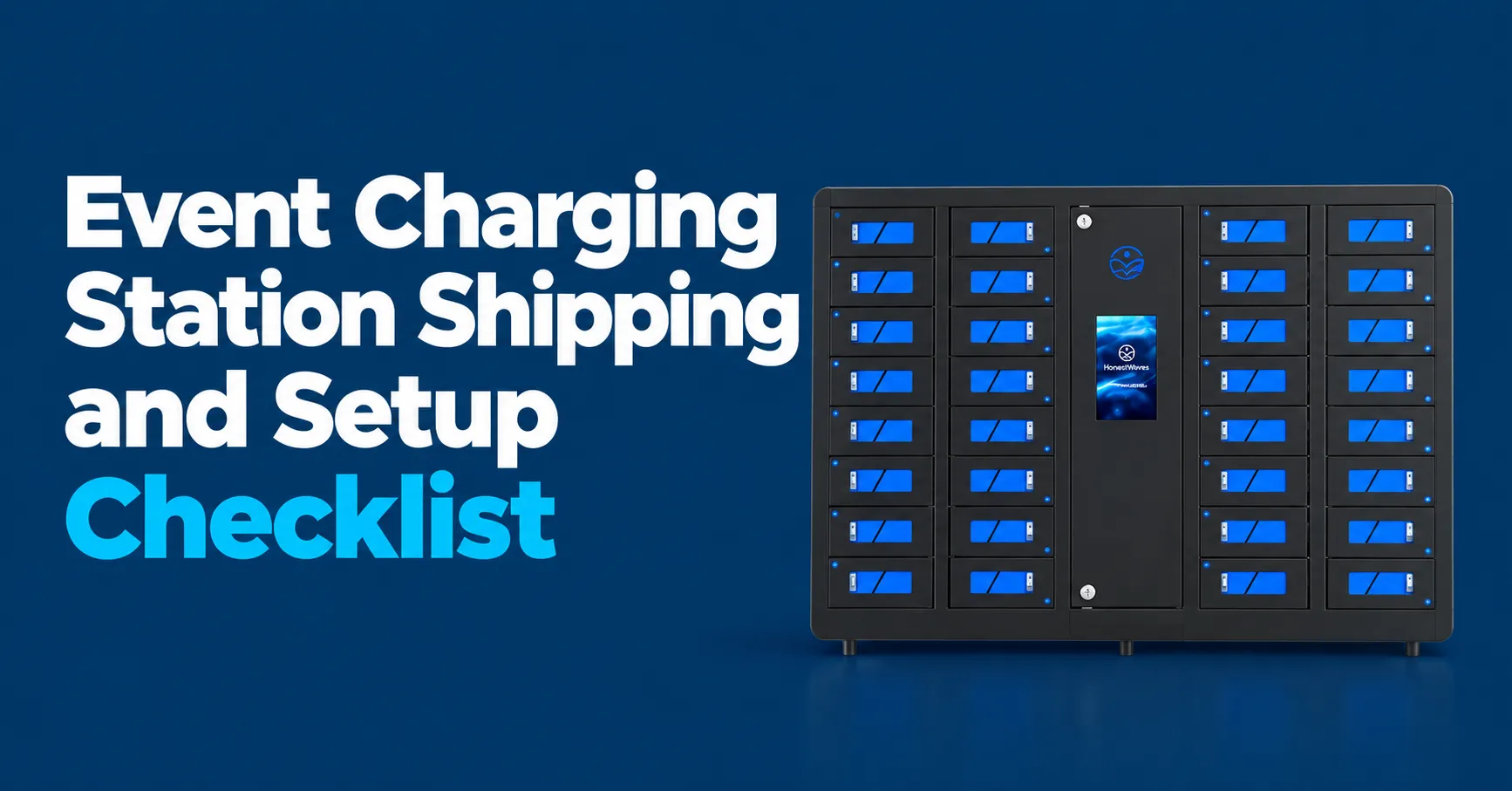
You’ve got 48 hours before doors open and your event charging station setup is… nowhere close to done. Cables are tangled in a crate, the venue electrician just told you the outlet you planned on is behind a pipe organ, and your team lead is texting “where do these go?” with a photo of three pallets sitting on a loading dock. Sound familiar?
Now picture the opposite. Stations arrive labeled and palletized. Your crew rolls each unit to its spot, plugs in, tests every port, and walks away. Guests naturally gather around charging tables and lockers like they were always part of the room. Charging stations reduce battery anxiety, enhance overall attendee satisfaction, and even increase dwell time at your event. That second version is what a solid checklist gives you.
This article is your step by step guide for shipping, installing, and running phone charging stations, charging tables, and charging hubs at conferences, trade shows, festivals, and corporate events.
1. Start with the Event Basics: What and Where You’re Powering
Every good event charging station setup starts with a clear picture of the event itself. Before you spec hardware or book freight, nail down the fundamentals.
- Lock in firm dates, venue name, city, and exact event hours for each day. Something like “June 12 to 14, 2027, 8am to 6pm daily at the Boston Convention and Exhibition Center.”
- Estimate attendance and device mix. Phones only? Or phones plus tablets plus laptops? This directly sizes the number and types of charging stations you need.
- List key spaces where charging matters most: registration zones, general session lobbies, sponsor lounges, food courts, meeting rooms, outdoor terraces, and backstage or production areas.
- Decide early if this is a one day roadshow, a multi day conference, or a three day outdoor festival. Shipping timelines, power plans, and equipment quantities shift dramatically between those.
- As a general starting point, plan for 1 to 2 charging stations for every 500 attendees during morning sessions. For evening events, bump that to 2 to 4 stations per 500 guests.
2. Choose the Right Mix of Charging Stations for Your Event
The checklist only works if you pick the right hardware mix up front. There are three main categories, and most events use a combination.
Charging tables are social, high visibility cell phone charging surfaces that can actually replace regular tables at events. Think networking islands at corporate events and trade shows where attendees sit, charge phones, and have conversations. They support wireless charging pads and multiple charging cables for convenience.
Charging lockers provide secure charging for devices. These are smart locker style stations where guests lock their phones away with a PIN or RFID badge during keynotes or long sessions. Great for attendee satisfaction and device security.
Portable charging hubs and countertop units fit tight spaces like registration counters, press rooms, speaker ready areas, or VIP lounges. Portable charging stations are lightweight and easy to relocate, and charging hubs can charge multiple devices simultaneously.
Public kiosks often have multiple charging cables built in, and using universal connectors ensures compatibility with various devices. Charging speed options include Level 2 chargers and mobile DC fast charging where needed. For a deeper comparison, check out Charging Lockers vs Charging Tables for Events.
Quick rule of thumb: for a 1,000 person conference, consider one secure locker bank near registration, two charging tables in lounges, and several compact hubs near breakout rooms.

3. Shipping Timeline and Logistics Checklist
Shipping is where many event charging plans go sideways. Plan backward from the first attendee arrival.
- Sample timeline: Ship stations to arrive at the venue 2 to 3 days before the event date. For a June 12 event, aim for delivery on June 10. That buffer covers setup, testing, and last minute fixes.
- Standard freight vs. white glove service: Shipping to the venue’s loading dock is usually cheaper. Full service delivery where units go directly to final placement spots saves internal labor but costs more. Pick based on your team’s capacity.
- HonestWaves crates are typically wheeled or palletized and labeled by unit type, so a dock crew can quickly route “Charging Table 1” to Lobby A without guessing.
- Confirm with the venue whether shipments go to an advance warehouse or directly to dock doors. This matters a lot at convention centers and union run facilities.
- Assign a unique asset ID for each station. It sounds small, but it makes a real difference for tracking during setup and teardown.
- Event charging setups require contingency planning for shipping delays. Have a backup window. Shipping and setting up temporary charging stations requires meticulous logistical planning, so don’t leave this to the last week.
- Pre-print return logistics documents and confirm pickup dates so teardown mirrors setup. For example, schedule end of show pickup on the evening of June 14 or the morning of June 15.
Here’s what’s typically included in charging station rental pricing so you know what to expect.
4. Venue Access, Power, and Charging Infrastructure Prep
Even the best charging stations won’t save your event if you can’t plug them in safely.
- Request the venue’s electrical layout or power map, including available outlets, floor boxes, and circuits in each room or hall. Most venues have these on file.
- Typical HonestWaves phone charging stations and charging tables run on standard 110 to 120V outlets. A standard 120V/20A circuit supports roughly 1,900W at 80% derating. Avoid overloading a single circuit with too many units.
- Power availability and infrastructure must be assessed before you finalize placement. Coordinate with venue electricians or AV teams to plan extension cords, cable covers, and temporary power drops before freight ships.
- Surge protection must be implemented for all power pathways. Electrical commissioning should verify correct power source and circuit sizing. Risk assessments should confirm compliance with electrical safety standards.
- Permitting and venue rules should be checked for temporary electrical setups. Some venues have strict deadlines for ordering electrical drops, and last minute changes cost significantly more.
- For outdoor events and festivals, plan for weather rated connectors, generators where needed, and keeping power distribution away from puddles or muddy paths. The electrical grid at outdoor venues is rarely as predictable as a convention center.
5. Uncrating, Assembly, and Physical Setup on Site
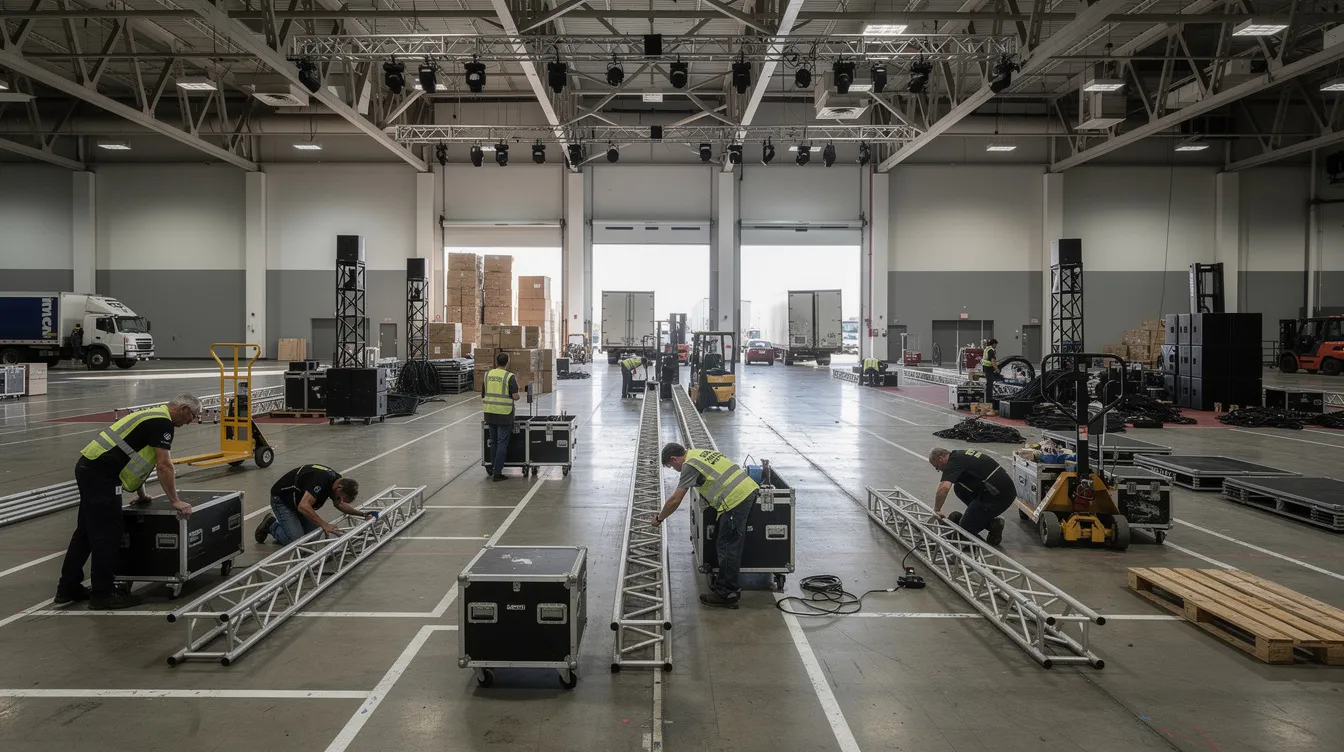
Event mornings get chaotic fast. Script your charging station unboxing process the day before.
- Stage crates near each planned placement area before the tech crew starts uncrating.
- Walk through a simple sequence: remove protective packaging, attach bases or legs for charging tables if required, stand stations upright, and verify that vents and fans are not blocked by walls or furniture.
- HonestWaves units are designed for tool light or tool free setup. Any required tools or hardware ship in a clearly marked accessory box.
- Cable management is crucial to prevent tripping hazards during events. Use low profile cable covers across walkways. Never tape cords across fire exits. Accessibility requirements must be ensured during all charging station placements.
- Keep all crates, pallet straps, and packing materials in one labeled storage area. You’ll thank yourself during teardown.
6. Network, Software, and Smart Locker Alerts Setup
Modern charging infrastructure is more than just power strips. Many HonestWaves stations offer cloud connectivity, usage analytics, and Smart Locker Alerts.
- If you’re using smart lockers or cloud connected phone charging lockers, connect each unit to the venue’s wired Ethernet or secure WiFi network.
- Smart Locker Alerts send automatic notifications for overdue devices, tampering attempts, and maintenance needs. Think of it as a silent security guard for your locker banks during multi day conferences.
- Give event staff a simple cheat sheet showing how to view locker status, clear a compartment, or respond when an alert flags a door that was forced or left open.
- Quick example: at a three day tech summit, staff receive an overdue device alert after closing time and can check the locker in person or lock the bank remotely.
- Testing each charging port is crucial before opening stations to the public. Power on every unit, plug in multiple devices, check wireless pads, and confirm software dashboards are reachable.
- Daily health checks of charging stations are recommended during events. Monitoring station utilization and maintaining equipment are essential for keeping things running smoothly.
- Don’t overlook data security. Data blocking USB technology prevents data transfer while allowing fast cell phone charging, which matters for privacy conscious attendees.
7. Placement Strategies to Maximize Attendee Experience and Branding
Where you put a charging station matters almost as much as having one. Charging stations should be positioned in high traffic and visible areas. Place charging stations near stages for high visibility, too.
- Set up charging hubs near registration desks, central corridors, and session entrances so attendees find them without a scavenger hunt. Central charging zones enhance attendee engagement and visibility.
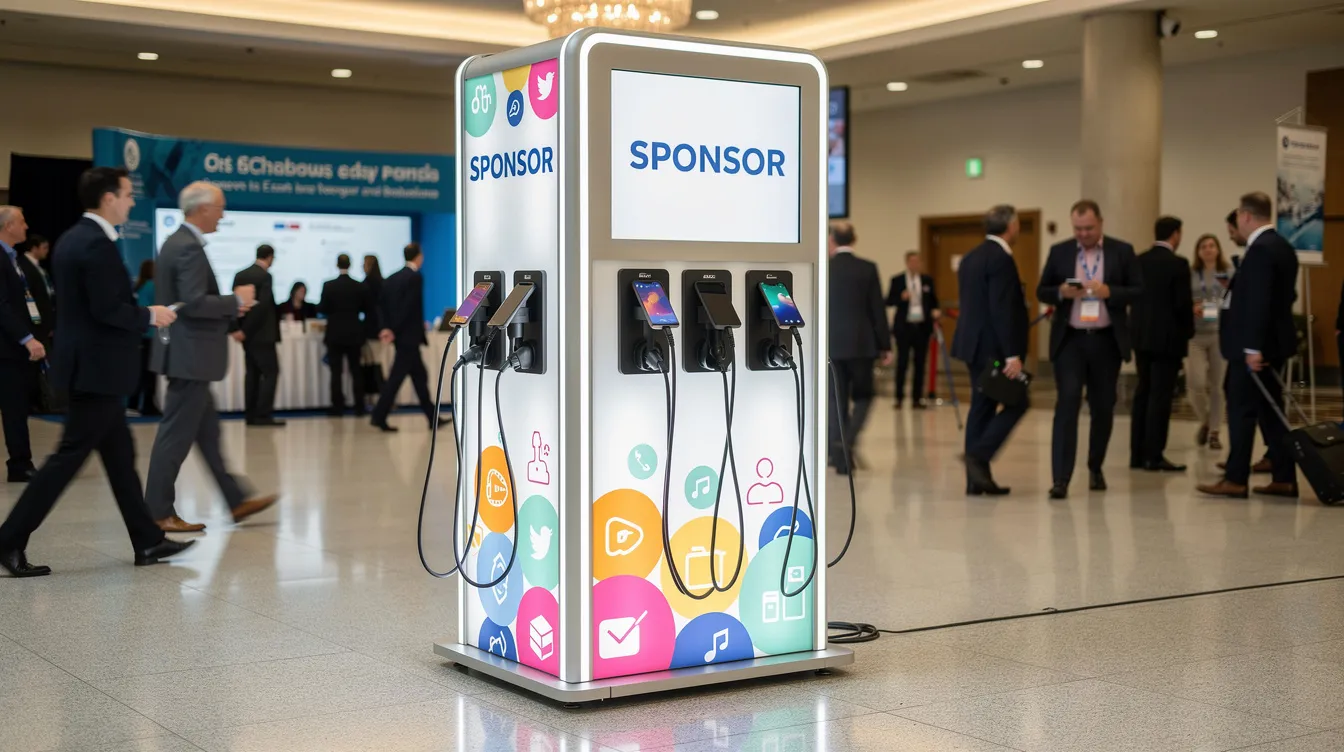
- Charging tables work beautifully in lounges and sponsor areas where people naturally sit for coffee or networking. Attendees with charged devices are more likely to engage on social media, which sponsors love.
- Position at least one secure charging locker near the main keynote room, where guests are most likely to leave a phone during long sessions. Spread charging stations throughout the venue for accessibility.
- Now here’s where it gets interesting for your budget. Charging stations can feature branded wraps and displays. Custom branding options include logos and sponsor messaging. Charging stations can generate $3,000 to $5,000 in sponsorship revenue per event, essentially turning them into real sponsor inventory. Logo placement on a charging table is prime branding space that potential customers see while standing around for minutes at a time.
- 3D renderings help visualize custom branding on charging stations before the event. Customization services often include free design assistance.
- For outdoor events, pair stations with tents or branded backdrops for weather protection. Check out our outdoor event charging solutions for ideas.
8. Cost Considerations and Choosing the Right Setup Support Level
Budget always comes up. And shipping and setup decisions can change your total cost more than you’d expect.
Break costs into simple buckets:
| Cost Category | What It Covers |
|---|---|
| Equipment | Station rentals or purchase, charging tables, lockers, hubs |
| Shipping | Two way freight, crating, insurance |
| On site labor | Setup crew, teardown, local labor |
| Venue power | Electrical drops, extension runs, AV partner fees |
| Branding | Custom wraps, sponsor graphics, design |
Renting charging stations can cost $600 to $750 per week depending on type and quantity. Installation costs vary by venue and complexity. Shipping in consolidated crates to a single dock is typically more cost effective than splitting deliveries.
For small corporate events with two charging tables, in house event staff can handle setup. Large events with a dozen lockers and hubs might justify bringing in technicians or local labor coordinated by us.
Compare the cost of professional setup against your staff time and the risk of last minute issues. It’s a practical operational efficiency decision. Some event planners also look into tax credits or cost considerations that offset equipment expenses. Credit card readers can streamline payment processes if you’re monetizing access. For a full breakdown, explore our rental phone charging station options.
Ready for a number? Get a quote that bundles equipment, branding, shipping, and setup into one package.
9. Testing, Signage, and Guest Communication Before Doors Open
The ideal moment is the day before the event. All charging stations are in place, powered, and ready for a full test run.
- Test checklist: Power on every unit. Plug in multiple phones. Check that each USB port, wireless charging pad, and locking function works. Confirm smart locker software is online and Smart Locker Alerts dashboards are reachable.
- Add clear, friendly signage: “Free Phone Charging” with brief locker instructions like “Choose a locker, set your 4 digit PIN, keep your code.” Good signage means fewer questions for event staff.
- Digital communication matters too. Add charging locations to the event app map, website FAQ, and pre event emails so attendees know a dead battery isn’t something to worry about.
- Do a quick walk through from an attendee’s perspective on the morning of day one. Look for lines, cluttered cables, or confusing instructions. Fix those before the rush.
- Proper documentation should be collected post event for audits and feedback, so start tracking from this moment.
10. During the Event: Light Monitoring, Maintenance, and Smart Locker Alerts
Once doors open, nobody has time to babysit stations all day. That’s the whole point of good setup.
- Assign basic responsibility to a specific role, like the registration lead or operations coordinator, with a quick morning and midday walk by. Charging stations reduce staff burden during events when the installation process was done right.
- Simple maintenance: straighten cables, wipe down surfaces, check that branding wraps aren’t peeling, ensure power strips aren’t exposed. Charging hubs minimize wait times during peak usage if they’re placed well.
- Smart Locker Alerts flag tampering attempts or doors left open, so staff respond only when needed. No babysitting.
- For many events running multiple days, review usage analytics overnight. See which charging stations are busiest and whether any should be moved. This is forward thinking operational efficiency that pays off.
- Proper charging station placement improves overall event efficiency. Charging stations enhance event logistics by keeping attendees engaged and their devices charged. The charging process should feel invisible to guests.
11. Teardown, Re crating, and Post Event Review
The event charging station setup checklist ends with a clean, organized teardown.
- Reverse the setup sequence: power down units, disconnect from the network, coil cables neatly, remove temporary signage, and move stations back to the staging area near the dock.
- Place each station back into its labeled crate with the same foam or protective materials. Confirm accessories and keys are included.
- Attach pre printed return labels, confirm pickup time with the carrier, and make sure venue dock staff know which pallets are leaving that day. Return logistics should be just as scripted as arrival.
- Run a simple post event review: How often were stations used? Where did lines form? Which branding placements got comments from sponsors? Did the number of charging solutions feel right for the crowd? These insights feed directly into your next project timeline and help you incorporate phone charging stations more effectively at future events.
The whole point of this checklist is straightforward: plan early, test everything, and let the stations quietly do their job. When the setup is handled right, your charging infrastructure just works in the background while attendees stay powered and engaged.
If you’re planning your next conference, trade show, or festival and want to skip the guesswork, request a custom rental quote and we’ll help you build a setup that fits your event space, your crowd, and your budget.
FAQs
How far in advance should I book and ship event charging stations?
Most event planners confirm station rentals 4 to 8 weeks before medium to large events. Ship so units arrive 2 to 3 days before setup day to give yourself a comfortable buffer.
Do venues normally provide enough power for charging stations?
Most convention centers and hotels can support multiple charging stations on existing circuits. But you still need to confirm outlet locations, circuit ratings, and any extra power fees with the venue or AV team. Never assume.
What is the difference between a charging table and a charging hub?
Charging tables combine furniture and power for social spaces where attendees sit and network. Compact charging hubs sit on counters or desks when floor space is tight. Both keep devices charged, just in different settings.
How secure are phone charging lockers at events?
Smart charging lockers use PIN or RFID access, metal enclosures, and Smart Locker Alerts for tampering and overdue devices. They give event organizers peace of mind that attendee devices are safe during long sessions. For more detail, see how many stations your event needs.
Can I customize charging stations with my event or sponsor branding?
Yes. Stations, charging tables, and lockers can be wrapped with event branding or sponsor logos, creating visible branding opportunities. It’s increasingly popular among sponsors looking to reach potential customers in high foot traffic areas.
What happens if a charging station stops working during the event?
A quick troubleshooting checklist plus remote support from us usually solves most issues fast. Testing the day before greatly reduces surprises. Modern charging stations with networking capabilities can often be diagnosed remotely.
How many charging stations do I need for my event?
A solid starting point is one substantial charging solution per 200 to 300 attendees, adjusted based on event length, how phone heavy the program is, and whether you’re covering long distance travel scenarios like events in Las Vegas where navigation apps drain batteries fast. Careful consideration of your event environment and schedule helps you size things right.