

Ever walked past a bank of employee lockers tucked in some forgotten basement hallway and thought, “Who’s actually going to use these?” You’re not alone. The quick answer on smart lockers workplace layout is this: put them where your people already walk, not wherever there’s an empty wall. Near entrances, along main circulation paths, outside meeting rooms, and in shared collaboration zones. That’s where lockers get used. That’s where they actually improve employee satisfaction.
Here’s a mini story that makes it click. Randstad USA had lockers buried in basement corridors at their Atlanta office. Employees walked 150 to 200 feet with bags and gear just to reach them. After they moved 480 smart lockers into “neighborhood pods” near lift lobbies and collaboration hubs across 8 floors, retrieval time dropped by about 50%. Employee satisfaction with storage jumped from 34% to 92%.
The rest of this article walks you through a step by step process to plan your own locker system layout, from mapping people flow to picking zones to using data after launch.
Map How Your People Actually Move Through The Space
Smart locker placement should follow real movement patterns, not just available walls. The biggest mistake most organizations make is picking a location because it’s convenient for facilities, not for the people who’ll actually open those doors every day. Analyze employee movement patterns to strategically position smart lockers in the office, and you’ll see usage climb fast.
Here’s how to do it practically:
- Print your current floor plan. Trace the common paths in pen: main entrance to desks, desks to meeting rooms, desks to break areas, reception to IT.
- Observe traffic during three windows on a normal weekday: 8:15 to 9:00 (morning arrival), 11:45 to 13:30 (lunch rush), and 16:30 to 18:00 (departure). These peaks reveal where bottlenecks and natural pauses happen.
- Create two or three primary zones on the map: an arrival zone near entrances, a collaboration zone around meeting rooms and shared spaces, and a focus zone near quiet workstations. Employee lockers should support each zone differently.
- Think flow, not fixtures. At Mölnlycke Healthcare’s Scandinavian HQ, they built five locker zones aligned with working neighborhoods. Employees step off the elevator, hit their lockers, drop personal items, and proceed to collaboration or focus areas with zero detours.
- Take quick photos or short videos during rush times. They’re worth gold when you’re later explaining to stakeholders and suppliers why a certain wall makes sense and another doesn’t.
Position lockers near high traffic areas to increase employee access and convenience. Smart lockers optimize employee traffic and enhance operational efficiency in workplaces when you let the floor plan do the thinking.
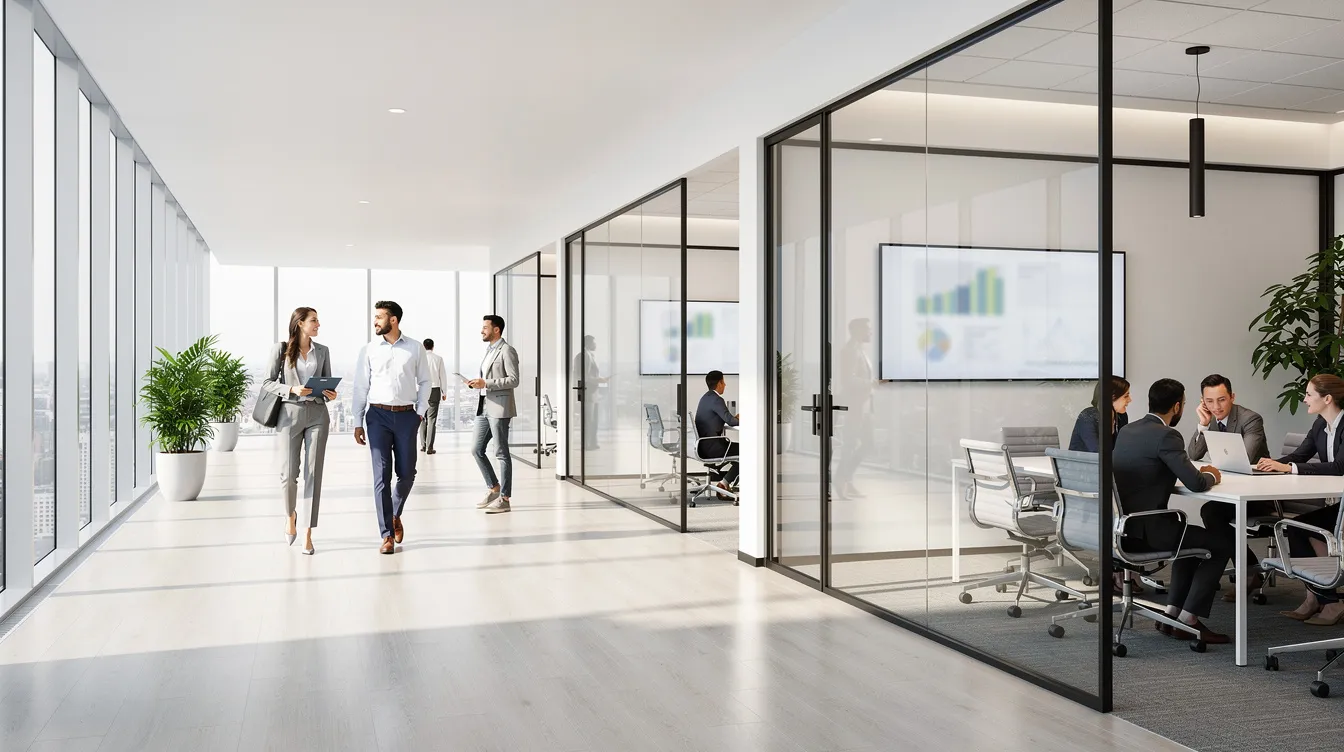
Match Smart Locker Types To Specific Workplace Use Cases
Not every smart locker system does the same job. Different locker functions should dictate their placement within the office space. Here’s how the main use cases break down:
- Day use employee lockers for hot desking workers who need personal storage a few days a week. Place these near hot desk neighborhoods, just off lift lobbies.
- Long term personal storage for employees who keep gear on site. These can sit slightly more tucked in, but still adjacent to common circulation.
- Parcel and courier deliveries for secure package management. These belong near reception or the lobby, where they’re accessible to delivery personnel and visible to staff. 53% of employees report concerns about package theft at workplaces, so visibility matters here.
- IT asset lockers for shared laptop and tablet pools. Place near IT or operations hubs where workers can grab and return hardware quickly.
- Phone charging lockers for conference rooms and training spaces. Compact banks just outside or inside larger meeting rooms, supporting device away policies.
Smart lockers can handle both inbound and outbound packages in a single bank. Lockers should offer varied compartment sizes to accommodate different storage needs, from a small phone compartment to a full backpack bay. Smart lockers save up to 24 staff hours per week compared to manual handoff systems.
A realistic scenario: a 300 person HQ might have one central parcel bank (around 150 doors) in the lobby, two medium employee locker clusters (40 to 60 doors each) near collaboration zones, and compact phone lockers (8 to 12 doors) right outside large meeting rooms.
Choosing The Right Zones: Entrances, Desks, And Meeting Rooms
The first placement debate in any smart locker workplace project is almost always “front of house or near the desks?” The answer is both, but for different reasons.
- Main entrances and lobbies: Parcel lockers and visitor facing smart lockers work best near reception with clear sightlines and signage. Choose a location accessible to delivery personnel so couriers aren’t wandering your 4th floor looking for a drop point. Smart lockers can reduce missed deliveries to near zero when placed where couriers naturally arrive.
- Near desks and elevator lobbies: Employee lockers for personal belongings work best just off the main flow on each floor. People want to drop bags and personal items before sitting down, not trek across the building.
- Meeting rooms: Compact phone charging lockers just outside or inside larger rooms let people store devices during confidential sessions. This supports device away policies and gives workers a seamless user experience. Smart lockers provide full control over access permissions, so only authorized users open specific doors.
- Avoid tight corridors where a queue of users could block fire routes. Maintain clear pathways around locker banks to avoid congestion and ensure safety. A good rule: keep at least 36 inches (91 cm) of clear width in front of every locker bank.
With a modern smart locker system, a cluster of 24 to 48 doors near a collaboration area can serve an entire floor of hybrid workers without taking up excessive floor space.
Technical Reality Check: Power, Network, And Building Rules
The smartest layout on paper still has to work with power outlets, data, and facilities rules. Here’s your reality checklist:
- Mark all existing power points and data drops on the floor plan, then layer your ideal locker placement on top. Smart locker systems require reliable power and network connectivity for optimal function.
- Most cloud connected smart lockers need mains power and either ethernet or stable Wi Fi at every locker bank location. If you’re adding charging inside compartments, each unit adds power draw.
- Involve IT and facilities early. Confirm what’s possible without major rewiring. Never put a locker wall over access panels, sprinklers, or life safety equipment.
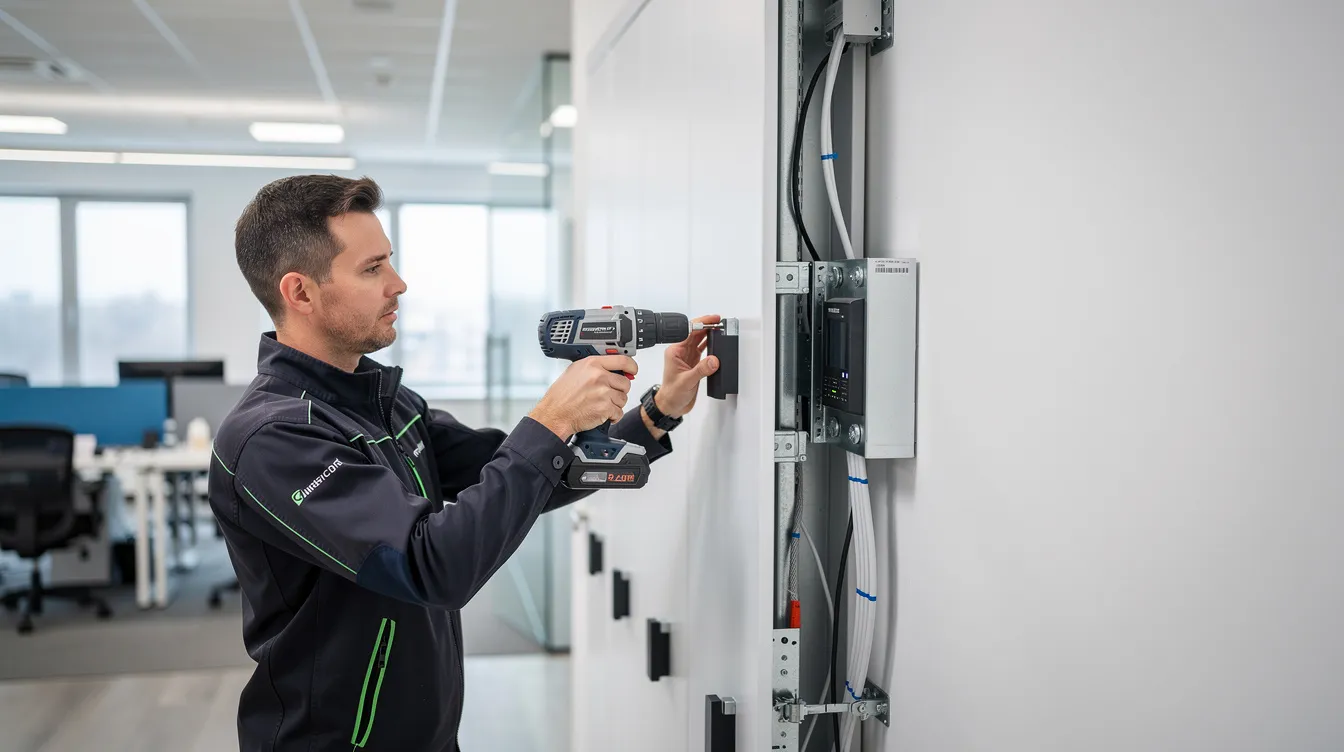
- Check building load limits and landlord guidelines. In older buildings or leased office space, wall anchoring may be restricted. Securely attach the locker unit to the wall during installation, but only after confirming structural capacity.
- Clear the installation site of any obstructions before setup. Gather tools like screwdrivers and pliers for installation, and test the locker system before allowing user access.
One office shifted a planned bank by two meters to sit directly above an underfloor power track. That single move cut installation time and cost in half. Smart lockers can be integrated with existing access control systems, so involve your security and IT teams from the start. The process goes smoother when everyone’s aligned early.
Use Data, Not Guesswork: Smart Locker Management And Analytics
One of the biggest advantages of a smart locker system is the usage data it hands you after launch. Smart lockers provide real-time data on locker usage patterns, and that data should drive every placement decision after day one.
- Modern locker management software shows live occupancy, peak times per bank, average dwell time, and which locker groups are consistently underused.
- Smart lockers log every open and close with timestamps, creating a clear audit trail for shared assets and personal storage alike.
- Here’s a stat that stops people cold: 95% of lockers are occupied, but only 50% are actually used over a three month period. That gap is where analytics pays for itself.
- Conduct a pilot installation to evaluate locker placement effectiveness before a full rollout. Launch with a sensible layout, watch data for 60 to 90 days, then add, remove, or move banks based on real usage instead of opinions.
- Utilize usage analytics to monitor locker performance and optimize placements over time. Smart lockers can integrate with third-party applications seamlessly, so you can pull locker data alongside meeting room and desk booking data in the same workspace strategy meeting.
A simple before and after: Meridian Financial discovered through analytics that basement lockers stayed half empty while a small bank near the café ran at 95% with a waiting list. They rebalanced by adding 120 lockers in the hot spots and reclaimed 12,000 sq ft of floor space in the process.
Safety, Security, And Supervision: Not Every Wall Is Equal
Safety and perceived security are two of the most under appreciated parts of smart locker placement planning. Getting this wrong doesn’t just create risk; it kills adoption.
- Place high value asset lockers and parcel lockers where there’s natural supervision, security cameras, or a staffed reception within sight. Good visibility and lighting near smart lockers can deter tampering and enhance security.
- Smart lockers use digital combinations for enhanced security, and smart locks are resistant to tampering and unauthorized access. But technology alone isn’t enough if the location feels isolated.
- Check national or local guidance for minimum clearances around fire exits, alarm panels, and stairwells. Lockers should never block egress paths.
- Employees feel more comfortable accessing personal belongings in well lit, open areas. If a locker bank sits in a dim hallway, usage drops and complaints rise.
- Smart locker solutions with tamper alerts and audit trails reduce risk, but placement near supervised zones still matters for deterring opportunistic theft.
- Lockers should meet ADA compliance to ensure accessibility for all employees. At least one section of each locker bank needs compartments at wheelchair friendly heights, and there should be a clear turning circle (roughly 5 feet / 1.5 meters in diameter) in front.
Planning For Hybrid Work, Self Service, And Future Change
From 2024 through 2026, most workplaces locked into hybrid patterns. That changes locker math. Employees today might be on site two or three days a week, so fixed assigned lockers sit empty most of the time.
- Smart lockers allow multiple employees to use the same locker through dynamic, self service models. Employees reserve a locker on the days they’re in, and smart locker systems can automatically reallocate lockers after use for the next user.
- Smaller smart locker clusters near different working neighborhoods work better for hot desking than one giant bank in a single area. Less time walking, fewer bottlenecks.
- Smart lockers can reduce space consumption by allowing shared use, which is critical when you’re paying per square foot in a leased workspace.
- Design locker configurations to accommodate future workplace changes and expansions. Leave wall space and power capacity for adding another locker column later if headcount grows.
- Sketch a 2026 layout and a 2028 scenario side by side. If your smart locker system and placement still works when headcount shifts 20%, you’ve planned well.
At Mölnlycke Healthcare, 800+ employees working in a hybrid model use five types of locker zones across their HQ, all managed with one app that also books rooms and desks.
Where HonestWaves Smart Lockers Fit Into Your Workplace Plan
HonestWaves specializes in phone charging stations, smart lockers solutions, and portable charging kiosks for offices, hospitals, schools, and venues. Our products are built for the exact scenarios this article covers.
Our cloud connected lockers offer RFID, PIN, or QR code access, UV-C disinfection for shared compartments, and data blocking technology that prevents data leakage when employees charge devices. We integrate intuitive technology such as RFID or mobile access to streamline the user experience with lockers, giving your organization full control over who opens what, when.
Our smart locker system supports self service workflows for employee storage, phone management in meeting rooms, and secure device charging in a single locker bank. Whether you need a 12 door phone locker outside a conference room or a 48 door bank for a whole floor of hybrid workers, the hardware and software scale together.
We also help with the planning side. We’ll review your floor plan, traffic patterns, and technical constraints before sizing the right solution for your specific needs. If you want tailored advice or pricing, get a quote here.
FAQs.
How many smart lockers do we really need for our office?
Plan around your peak on site headcount and hybrid patterns; a ratio of 0.3 to 0.6 lockers per person is a solid starting point, then refine with management data after 60 to 90 days.
Should smart lockers go in the lobby or near the desks?
Parcel lockers belong in the lobby near reception; daily employee storage lockers are more convenient in smaller banks near work areas on each floor.
Can one smart locker system handle both packages and employee storage?
Yes, most modern systems (including ours) can mix use cases in one bank, but placement and software rules should keep traffic flows and access permissions tidy.
Do we need smart locker alerts for overdue devices and tampering?
Alerts are essential for IT assets and higher value items. They also influence placement; banks with repeated issues should move closer to supervised or camera covered zones.
What about small phone lockers for meeting rooms?
Compact phone charging lockers work best just outside conference rooms so people can drop and charge phones before entering. Data blocking adds a layer of security for confidential meetings.
How early should we plan locker placement in a new fit out?
Plan locker placement at the same time as meeting rooms and collaboration zones so power, data, and walls are ready before construction wraps up.
Conclusion
Good smart locker placement is about making everyday life smoother for employees, not filling blank walls with hardware nobody touches. The difference between a locker that gets used and one that collects dust almost always comes down to location.
- Map how your people actually move through the space.
- Match locker types to real use cases and place each where it belongs.
- Respect technical and safety constraints before you commit.
- Use smart locker management data to refine placement after launch.
Walk your own office this week with fresh eyes. Picture where employee lockers, phone lockers, and parcel banks would naturally slot into current routines. You’ll spot the right spots faster than you think.
Explore our smart locker options, and if you want help sketching a layout that fits your building, reach out to us for a quote. Smart lockers, placed well, quietly upgrade the whole workplace experience day after day.