
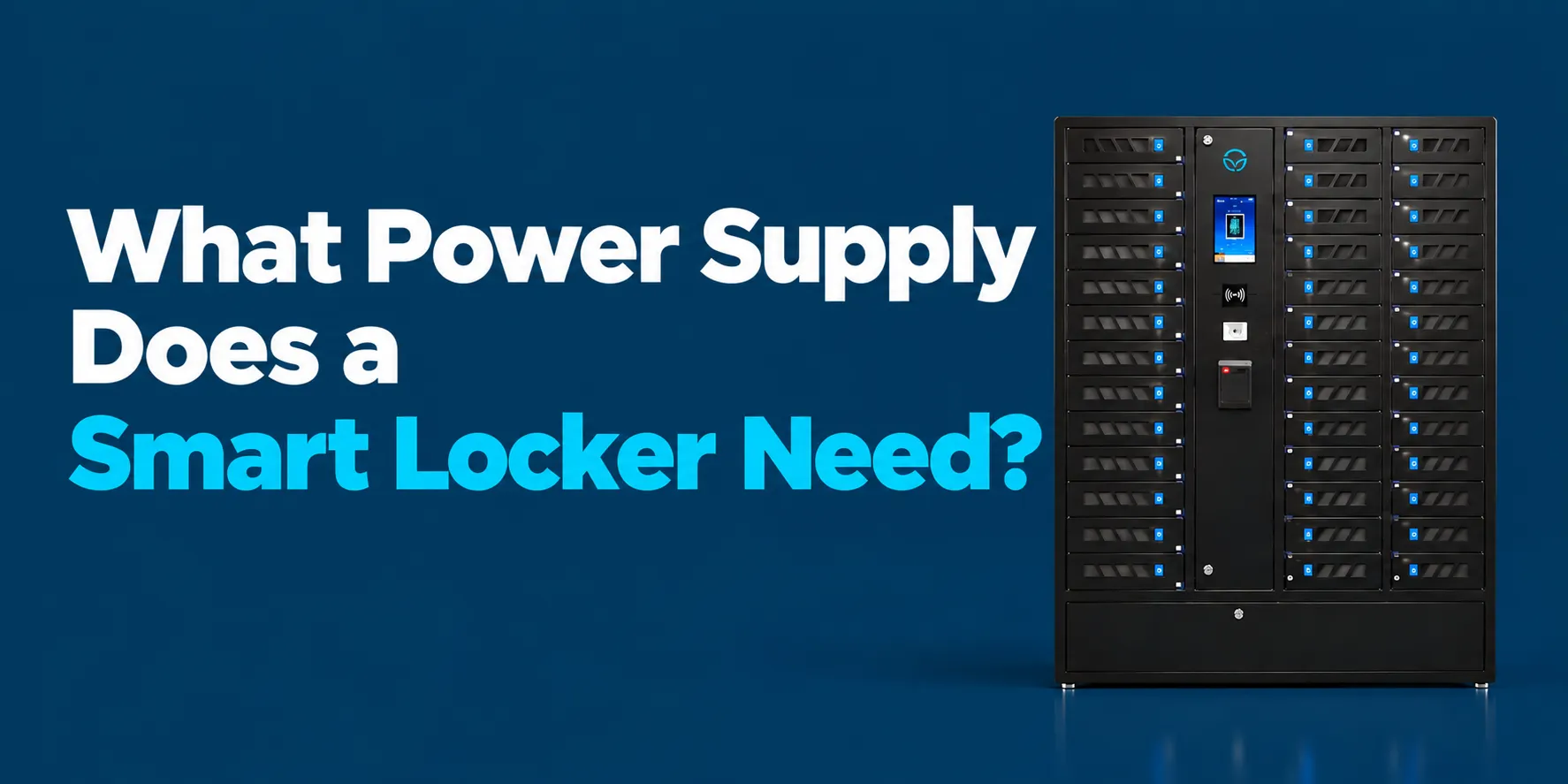
Ever plugged in a new piece of equipment and watched the lights flicker? That’s the nightmare nobody talks about when buying a smart charging locker. The power supply question sounds boring until you’re staring at a tripped breaker and 30 half-charged tablets. Let’s fix that before it happens.
Most commercial smart lockers, including the ones we build at HonestWaves, operate on standard AC input of 100V to 240V AC at 50/60 Hz. You plug them into a wall outlet. Smart lockers are used in offices, schools, and hospitals, and they’re designed to be compatible with standard electrical infrastructures without specialized rewiring.
But here’s where people get tripped up (sometimes literally). The real planning is about how that wall power gets distributed: your total power budget, per bay power delivery, and how many devices can safely charge at the same time. A small 8 bay phone locker might pull under 200W total. A 32 bay mixed device unit? That can draw around 1,100W at full load. Smart charging lockers typically require a dedicated 15A or 20A circuit, and skipping that step is how you end up with nuisance breaker trips and angry employees holding dead phones.
Underpowered lockers cause more headaches than people expect. If you spec too low, devices come out half charged, users lose trust in the system, and IT gets flooded with complaints.
Smart Locker Power Requirements 101: The Basics You Need To Know
Picture this: an IT manager wheels a brand new charging locker into a hallway, plugs it into a power strip shared with a copier and a mini fridge, and hits the breaker within 20 minutes. It happens more often than anyone admits.
Smart lockers convert AC electricity into DC power for charging devices. There are three layers to understand. First, building power: your AC outlet and circuit. Second, the locker’s internal power supply, where conversion and distribution happen. Third, bay level power, which is what each phone, tablet, or laptop actually receives.
Think of it like water through a pipe. Voltage (volts) is the water pressure. Current (amps) is how wide the pipe is. Wattage (watts) is the total flow you get, and that’s volts multiplied by amps. The voltage requirements for smart lockers range from 110V to 240V AC at 50/60 Hz, which covers just about every standard outlet globally.
For most deployments, the number that matters is watts per locker and watts per bay. We typically work with facilities teams and electricians to size these numbers to the building’s existing infrastructure before anything ships.
From Wall to Bay: What Type of AC Outlet and Circuit Do You Really Need?
Picking the right circuit capacity is the first real decision for smart locker power requirements. In North America, a standard 15A circuit at 120V gives you about 1,800W of theoretical capacity, but electrical codes require derating to roughly 80% for continuous loads. That leaves about 1,440W of usable power.
A dedicated circuit is the way to go. Sharing a circuit with other equipment is asking for trouble when devices are charging at peak draw. Here’s what typical loads look like:
- A 24 bay phone charging locker drawing mostly 10 to 15W per bay: roughly 300 to 500W total
- A 16 bay mixed laptop and tablet locker at 45 to 65W per bay: up to 1,000W or more
- A large 32 bay unit with USB C PD plus AC outlets: around 1,100W at full load
AC outlets in lockers provide 100 to 125 VAC for charging when bays include internal outlets. Before ordering several charging lockers for a school wing or hospital floor, have your facilities team confirm panel capacity and the distance from the electrical panel to the install location. For multi locker deployments, an electrician should size circuits based on maximum connected load plus local code requirements.
Per Bay Power Delivery: How Much Power Does Each Device Actually Get?
Users don’t care about the wall plug. They care whether their tablet is charged by the time their shift starts. Per bay power delivery is the maximum watts available to a single locker compartment. USB charging bays provide output voltage typically of 5V DC up to 20V DC, depending on what the connected device supports.
Here’s the practical breakdown:
- Basic USB A ports for phones: around 10 to 12W
- USB C at 30 to 36W: covers most classroom tablets and Chromebooks. Our ForwardPass lockers provide 36W USB C Power Delivery, which handles the majority of shared education devices.
- USB C PD at 45 to 65W: the sweet spot for modern laptops
- 90 to 100W or AC outlet: heavier workstations and specialized hardware
USB C Power Delivery supports power delivery up to 240W under the PD 3.1 Extended Power Range spec, though most locker deployments don’t need anywhere near that ceiling today. Charging speed depends on device wattage acceptance limits; a phone designed to pull 18W won’t draw 65W just because the port offers it. But lockers supporting laptops typically require higher wattage per bay compared to smartphone lockers.
The lesson? Match per bay wattage to the hungriest device in your fleet, not the smallest phone charger in the drawer.
USB Ports vs AC Outlets Inside the Bays: Which Power Option Fits Your Devices?
Two main approaches here. Built in USB ports (USB A and USB C) keep things clean: no loose cables, no missing chargers, no adapter theft. Bays with internal AC outlets let you plug in each device’s own power adapter, which works well for mixed laptop fleets, RF scanners, headsets, and other equipment with proprietary chargers.
Some charging lockers mix both. Our 32 bay scanner and tablet smart charging locker offers one AC outlet plus one USB C port per bay, so a warehouse can charge scanners with their OEM bricks while also topping off tablets through USB C. For a deeper comparison, our guide on laptop locker power: AC outlets vs USB C PD walks through the trade offs in detail.
Smart lockers can have 5, 8, 15, or 23 bay configurations, and lockers can accommodate 5 to 23 devices depending on configuration. Before deciding, map your actual hardware list. If every device already uses USB C, USB C centric bays cut clutter and cost. If you’ve got a mix of laptops with proprietary bricks and tablets with USB C, go with bays that include an AC outlet.
How Many Devices at Once? Power Management for Multiple Devices and Large Fleets
Imagine a school hallway where 32 tablets come back to the locker bank at 3:15 PM, all at 20% battery. Every bay pulls near maximum wattage at once. Without smart power management, that’s a recipe for a tripped breaker.
Good charging lockers handle this with internal power management boards that regulate load. Power management systems distribute energy dynamically across active charging bays, using techniques like staged charging or load balancing. Not every device hits 0% at the same time, so the typical draw sits well below the rated maximum. Smart lockers use internal power distribution units to manage charging outputs, keeping the total draw predictable even during peak windows.
For hospitals and warehouses where every scanner or tablet comes back at shift change, plan for that surge. We design our systems so that typical real world usage stays well within circuit limits while still delivering faster charging when the fleet needs it.
Smart Locker Power Management, Monitoring, and Safety Features
Modern smart lockers do far more than passively feed power. They watch for problems and flag them before they become expensive.
Safety certifications are critical for ensuring proper electrical and fire safety in smart charging lockers. Quality smart lockers feature thermal management systems to prevent overheating, and perforated construction allows heat dissipation during charging. Smart charging lockers often include surge protection for safety, plus over current and short circuit protection on each bay.
Smart lockers use steel or reinforced aluminum enclosures and feature electronic locking mechanisms for security. They can operate locally and sync later when online, so a network hiccup doesn’t leave devices locked inside.
Centralized control software shows total power draw, bay status, and charging errors on a dashboard for IT teams. Smart locker alerts for overdue devices, tampering, and maintenance events tie back to power use and device charging history. Our systems log events like tripped ports or overheated bays so admins can spot failing cables early.
Here’s a quick example: a warehouse manager notices repeated alerts from bay 14. He swaps a frayed cable during a quiet hour instead of discovering 12 dead scanners at shift change. That’s the difference between monitoring and hoping.
Matching Power Specs to Your Devices: Phones, Tablets, Laptops, and Beyond
Power requirements should follow your actual device mix. Dedicated internal converters negotiate power delivery for specific devices, so the locker and each connected device agree on the right voltage and current.
Typical watt ranges by device type:
| Device Type | Typical Charging Wattage | Recommended Bay Output |
|---|---|---|
| Mobile phones | 10 to 20W | USB A or USB C 15 to 20W |
| Tablets | 20 to 45W | USB C PD 30 to 45W |
| Chromebooks / light laptops | 45 to 65W | USB C PD 45 to 65W |
| Heavy laptops / workstations | 65 to 100W+ | AC outlet or USB C PD 100W |
Bay size and bay configuration matter too. Larger bays for laptops need more clearance and stronger ventilation. Smaller compartments work fine for phones and scanners. Our guide on smart locker sizes and types covers how to match physical dimensions to your fleet.
Environments that rotate shared devices throughout the day, like nurses with shared tablets or students with loaner laptops, need both enough bays and enough power per bay. Collect real model numbers and check the wattage printed on each power adapter before finalizing specs.
Planning for Lost Devices, Locker Access, and Centralized Control
Without tracking and access control, a perfectly powered locker can still create lost devices. Smart lockers improve accountability and reduce IT workload by combining secure storage with user level tracking.
Cloud connected smart lockers tie locker access control to power data. Admins see which devices are still charging, which bays are idle, and which devices are overdue. Smart lockers provide individual user access and device level accountability, and they can integrate with existing identity systems for access.
Access methods include RFID access using cards or tags for user identification (NFC access operates at 13.56 MHz for short range communication), PIN code access requiring a numeric code, QR code access using a two dimensional code for authorization, barcode access using linear codes, and biometric access verifying users through physical characteristics. Users choose the method that fits their workflow, whether that’s a student ID card, RFID cards, or pin codes on a touchscreen interface.
Before and after, the difference is stark. A school IT team that used to manually hunt for missing Chromebooks now sees a dashboard showing last locker access, battery status, and real time insights. That shift from guesswork to data saves hours every week.
Real World Power Scenarios: Schools, Hospitals, Offices, and Events
Different industries worry about slightly different power problems, even though they all use similar charging lockers.
Schools and universities: A 1:1 tablet program with 150 devices needing 30W each requires about 4,500W plus overhead, split across multiple lockers and circuits. Our SecureTech EDU Series is built for exactly this: overnight charging so every device hits 100% by first bell. Lockers can be modular for easy expansion without dismantling, which matters when a school grows its device fleet year over year.
Hospitals: Tablets, scanners, and shared phones return at shift change. Eighty devices drawing mixed power (phones at 15W, tablets at 30 to 45W) can exceed 2 to 3 kW at peak. Faster charging between shifts is non negotiable because lost devices and tampering can affect patient care.
Offices: Visitors and employees use phone charging lockers in lobbies and meeting areas. Twenty bays at 15 to 20W each keeps total draw under 500W. A single 15A circuit handles that without breaking a sweat.
Events and venues: Portable charging kiosks get moved around and plugged into different AC outlets. Circuit capacity and cable management become more critical because you can’t always control what else is on that circuit.
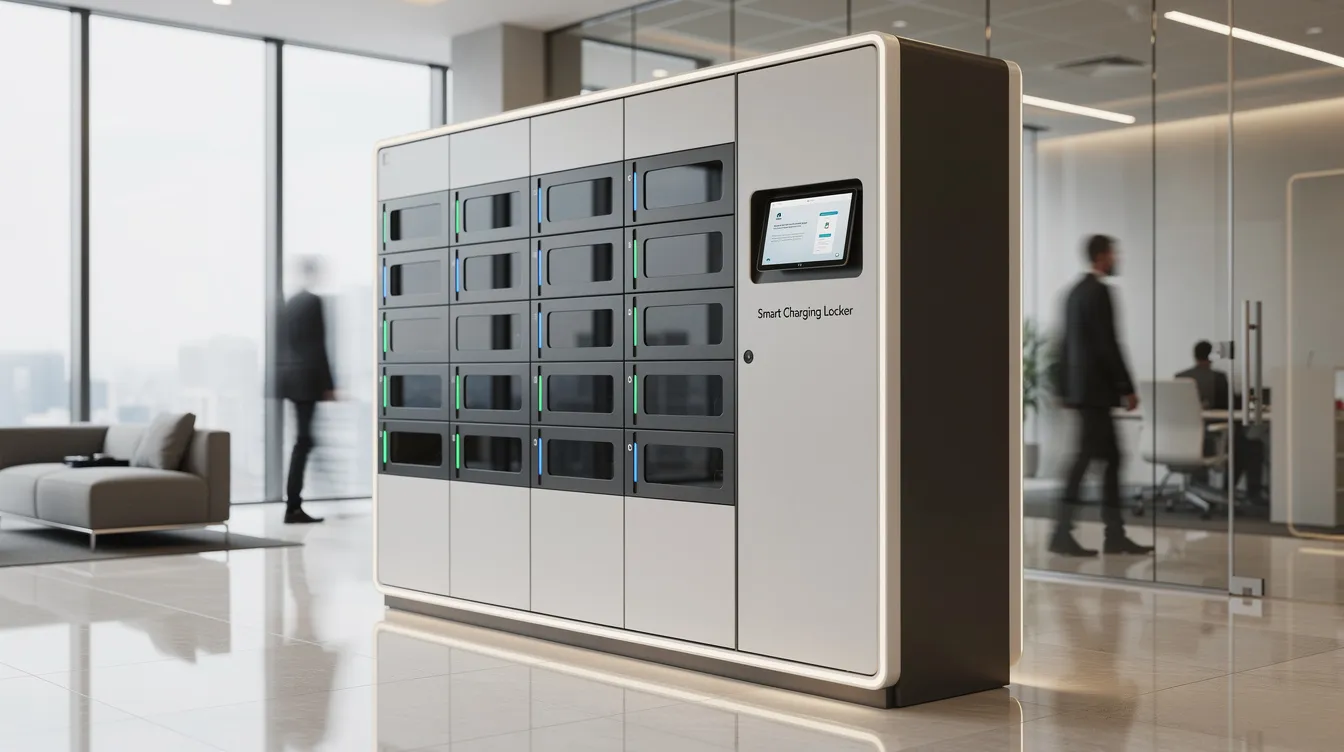
How HonestWaves Designs Smart Locker Power for Reliability and Ease of Use
We design around real world behavior, not lab conditions. Doors left closed overnight, users forgetting devices, heavy peak windows, mixed device fleets. Charging wattage is the rate of electrical power supplied to devices, and we spec our internal power electronics so that real usage sits comfortably below circuit limits while giving users solid charging performance.
Smart lockers utilize USB Power Delivery technology for efficient charging across our product line. Browse our smart charging locker models to see example specs, bay layouts, and power configurations. We help spec circuits, bay configuration, and charging options for larger orders across hospitals, schools, government facilities, and corporate campuses.
Our honest preference? Slightly over spec power rather than running everything at the limit. The cost difference is small. The headache difference is enormous.
FAQs
Do smart charging lockers just plug into a normal wall outlet?
Most do. They accept standard 100 to 240V AC. But larger units or multi locker setups need a dedicated circuit, usually 15A or 20A, to avoid breaker trips.
How many watts should each bay have for reliable laptop charging?
Aim for 45 to 65W per bay for most modern laptops. Heavier workstations may need 90 to 100W, often best served by an AC outlet in the bay.
Can one smart locker power multiple devices in a single bay?
Some bay designs allow it, but total power per bay is shared. Two devices in one compartment will each charge more slowly than if they had a bay to themselves.
Will a higher wattage locker damage phones or tablets?
No. Compatible devices only draw what they’re designed to accept. A 65W port charging a phone that pulls 18W delivers exactly 18W, following standard power delivery protocols.
Do I need an electrician to install a smart charging locker?
Single units often plug straight in. Multi locker deployments or high wattage models at multiple locations should be reviewed by an electrician to confirm circuit capacity.
Conclusion:
Choosing the right power supply for a smart charging locker comes down to three things: circuit capacity, per bay power, and your actual device mix. Not just finding an open outlet. Proper power planning avoids slow charging, tripped breakers, and frustrated users chasing dead batteries. A little planning with real device lists goes a long way when you’re investing in charging lockers for your organization.
Browse our smart locker category to see specs, bay configurations, and power options across our full lineup. If you want help mapping your device inventory to the right locker setup, request a quote and we’ll work through it with you.
Loop in your electrician early. We’re happy to collaborate with them on circuits, placement, and power management so everything runs right from day one. Because nobody should find out they need a bigger circuit after 40 tablets are already on the shelf.